Stonex R180 – User Manual 23
4.2.1. Android default app
This group contains the default pre-installed Android applications. These apps can’t be used to manage
the total station, but they offer tools and functions proper of Android operative system. Here below their
description:
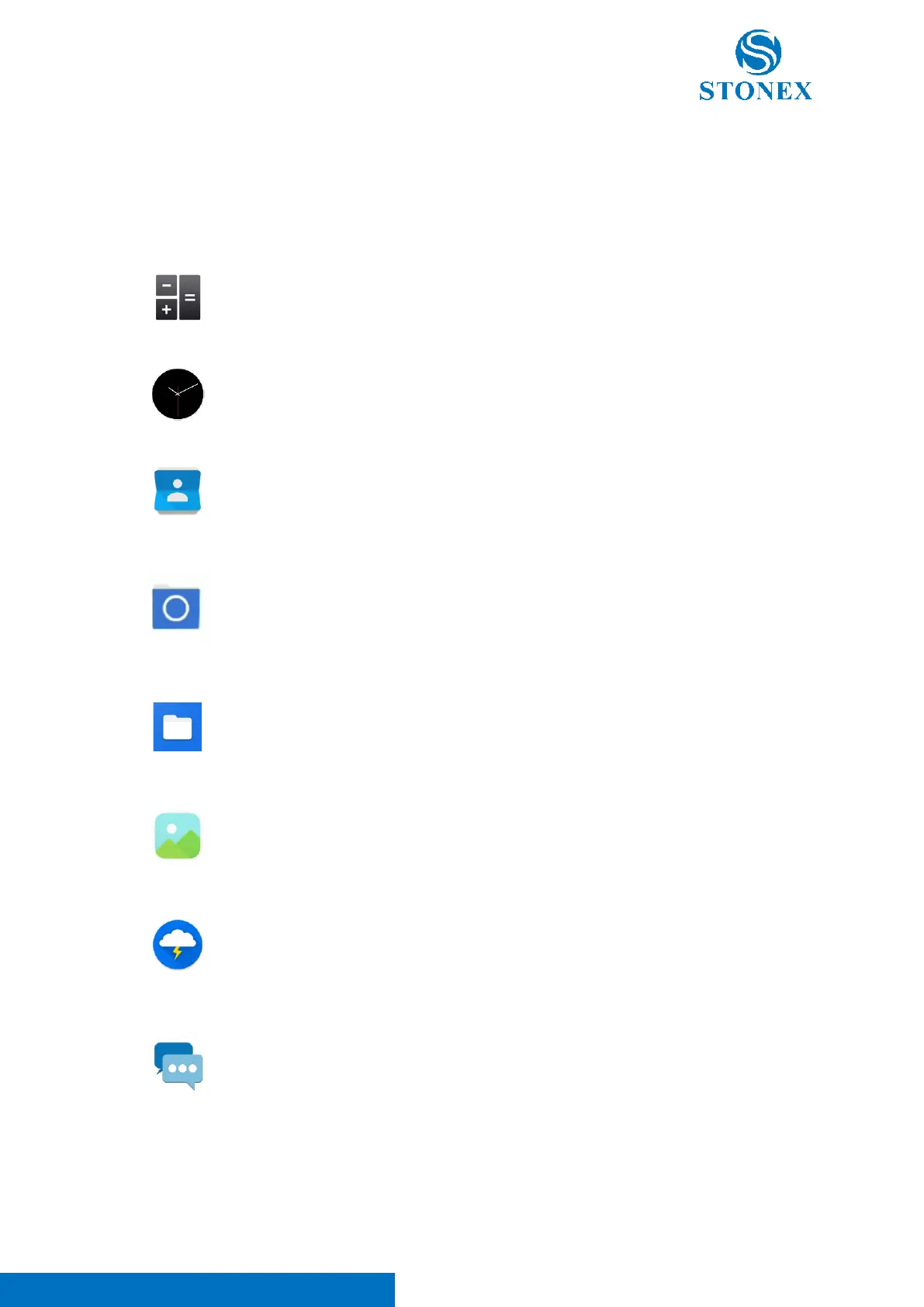
Calculator -> Instrument internal calculator.
Clock -> Enter in the clock application of the device.
Contacts -> App for contact list management.
File Manager -> This application can be used to access to the device
internal memory. Its use is suggested for developer purpose.
Files -> This application can be used to access to the device internal
memory. In this app will be included all the survey data and user files.
Gallery -> This application allows the user to open and manage images
and photos.
Lightning -> This application can be used to access to Web Internet (Note.
It’s necessary to connect the instrument via WI-FI to Internet before using
this application).
Messaging -> This application allows the user to send and receive
messages (Note. It’s necessary to insert a SIM card in the instrument to
use this application)



 To Next Page