Stonex R180 – User Manual 8
2.2. Touchscreen Display
R180 total station is equipped with two color Touchscreen displays, usable to manage the instrument in
all of its functions. Do not touch the screen with ball-pen, pencil or other sharp things to avoid damage
on instrument.
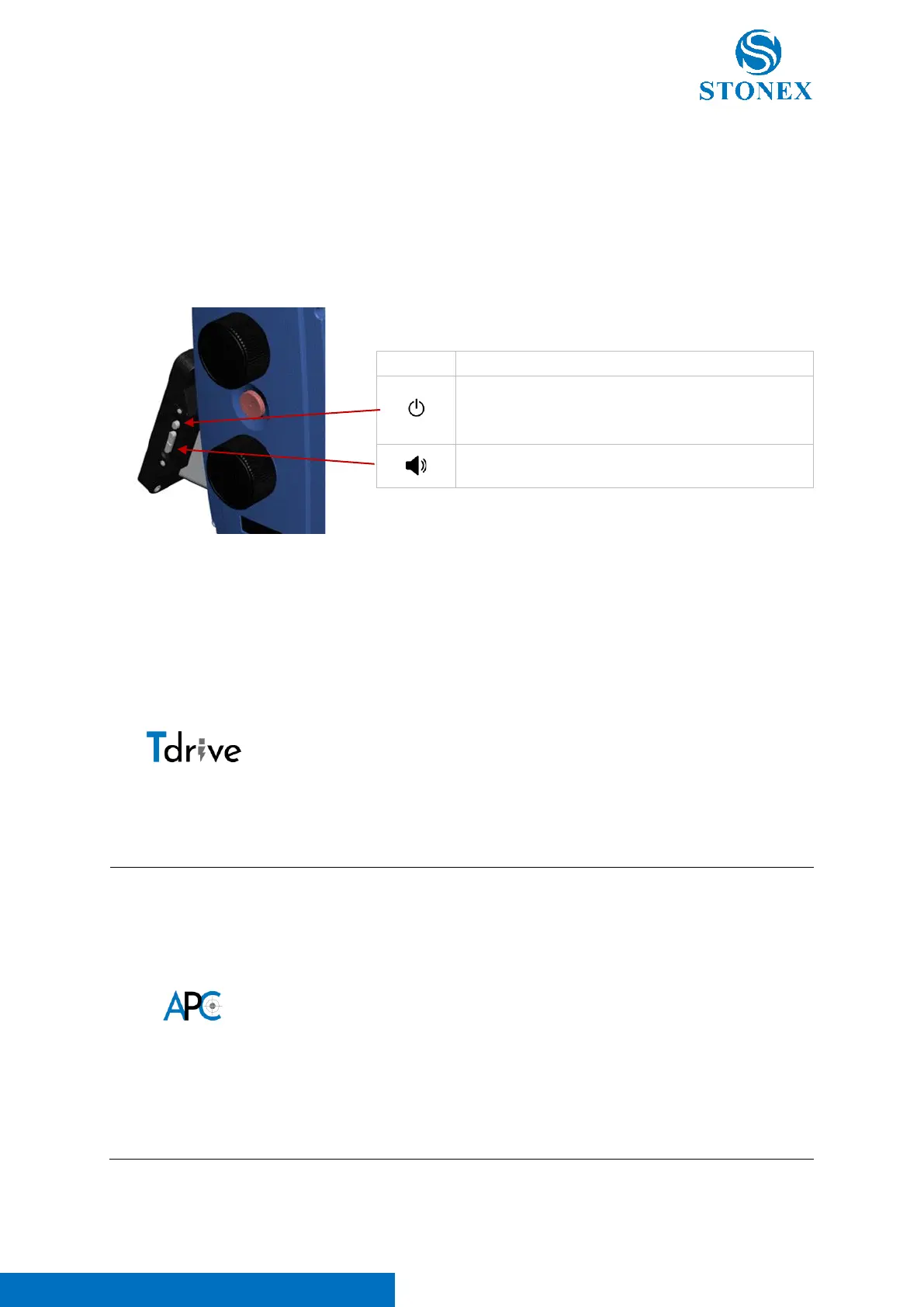
There are also some physical keys, located on the lateral part of the touchscreen display of Face 1
(spherical bubble side). Here below their description:
2.3. HW Technologies
Thanks to Tdrive motor, R180 Robotic total station boasts a rotation speed
of 180°/sec, making it one of the fastest in its product category. Not only
is it speedy, but it is also impressively quiet, with noise levels among the
lowest in its class. Additionally, the Tdrive technology, with a very high-
speed motor, allows for high-speed pursuit, even with a prism installed
on moving vehicles. Not using gear technology ensures frictionless
movement, greater durability, and less maintenance.
The innovative robotic total station is designed with automatic prism
centering technology that takes the guesswork out of surveying. With this
advanced system, users can easily and quickly center their prism with
minimal effort until 1000 m. Thanks to the total station's automatic
centering feature, surveying processes can be streamlined and made
more efficient. APC technology is configured to manage multiple prism
situation collimating the one closer to the telescope optical axis. When
the station loses the prism due an obstacle, if the prism remains in
telescope field of view, the station re-center it immediately.
Power key. Press and hold for power on/off the
station.
Volume up and Volume Down



 To Next Page