Stonex R180 – User Manual 29
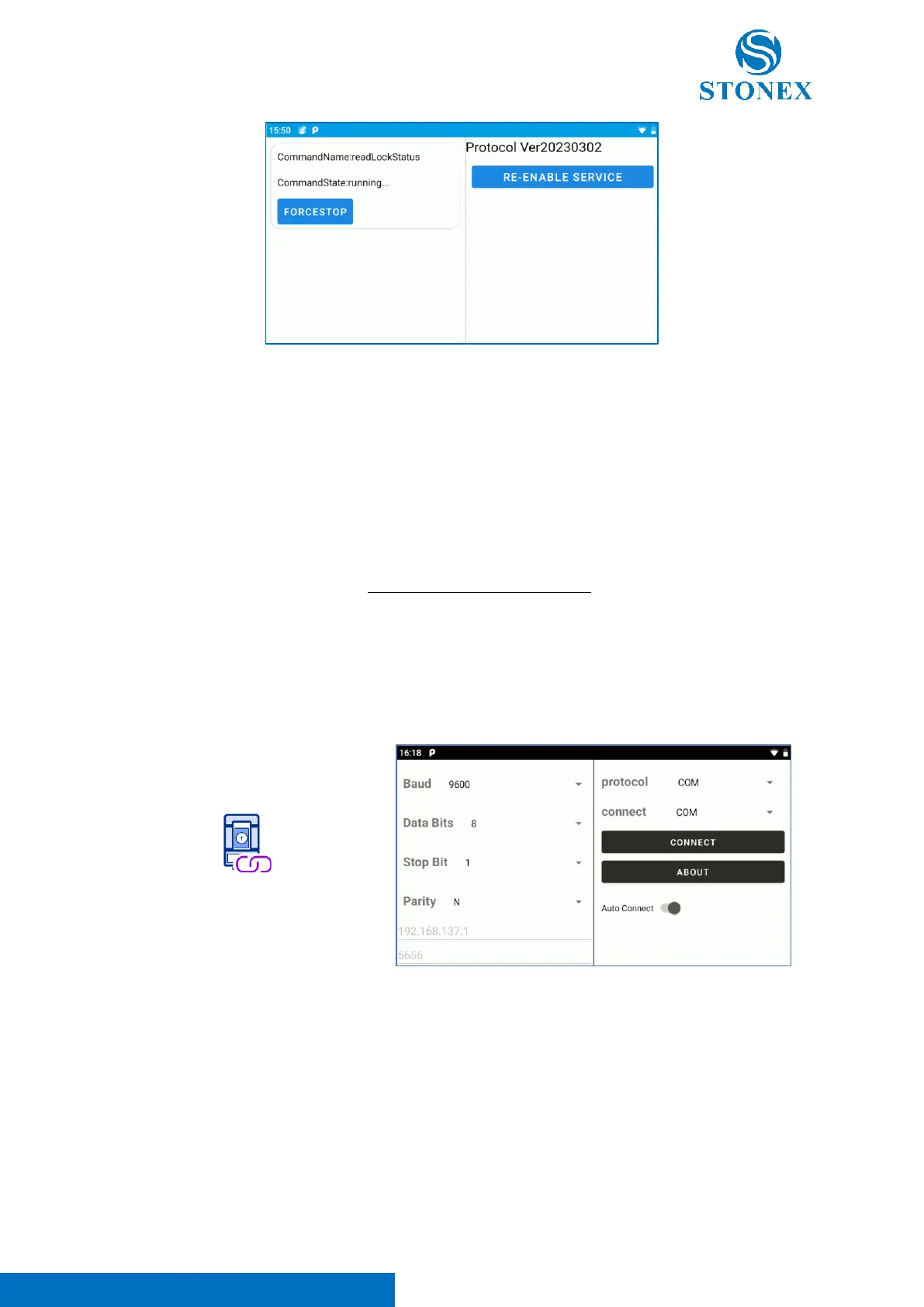
Note 1. This application is necessary to guarantee the communication between Cube-a and the HW, but
it’s NOT necessary to launch it every time. In fact, when the user enters in Cube-a, “TS Command
Service” app is automatically launched in background mode. In this way, opening Cube-a, “TS Command
Service” is automatically launched and the correct communication between instrument and software is
established.
Note 2. The use of “TS Command Service” app is suggested only to re-launch the communication
between HW and software in presence of connection problems, for example when the user doesn’t see
the angular readings in Cube-a. This command forced the connection between HW and software,
restoring the correct communication. Use this option only if necessary.
d. TS Connector
“TS Connector” is an application dedicated to the configuration of the different communication methods
available for R180. Clicking on the icon the following screen appears.
Note 1. Don’t modify the “TS Connector” configuration respect the default one (visible in the image
above). Cube-a is already configured to manage the different communication methods available for the
instrument. For this reason, is not necessary to change the connection method passing from a on-board
configuration to a remote one, because Cube-a automatically manages this passage.
Note 2. The use of “TS Connector” application is limited to extraordinary activities that require the
communication between the instrument and external devices not passing from Cube-a. For any
questions contact your local dealer or Stonex Technical Support.



 To Next Page