Stonex S990A GNSS Receiver – User Manual v1.0 26
check results will be voice broadcasted in the process. Self-check operation
and result broadcast are as followed:
When receiver is powered on, press power button and hold it until the receiver
voice broadcasts “power off”. Press it again until the receiver sounds a beep
and voice broadcasts “self-check”, which means the receiver starts to operate
self-check. New receiver is recommended to operate self-check at least once.
In the process of self-check, each module inspection is followed by its
inspection result. If the module inspection passes, it will voice broadcast “OK”
and module led keeps on until the whole self-check finishes. If the module
inspection fails, it will voice broadcast current module inspection fail, keep
module led flashing and buzzer sounding until you restart the receiver. Self-
check lasts for about 1 minute. If there is self-check failure, please contact local
dealer.
If every module indicator is lit with no flashing, and voice broadcast says every
module work normally (such as “GPS self-check. OK.”), it means all the modules
work normally. Receiver starts to work after the whole self-check finishes
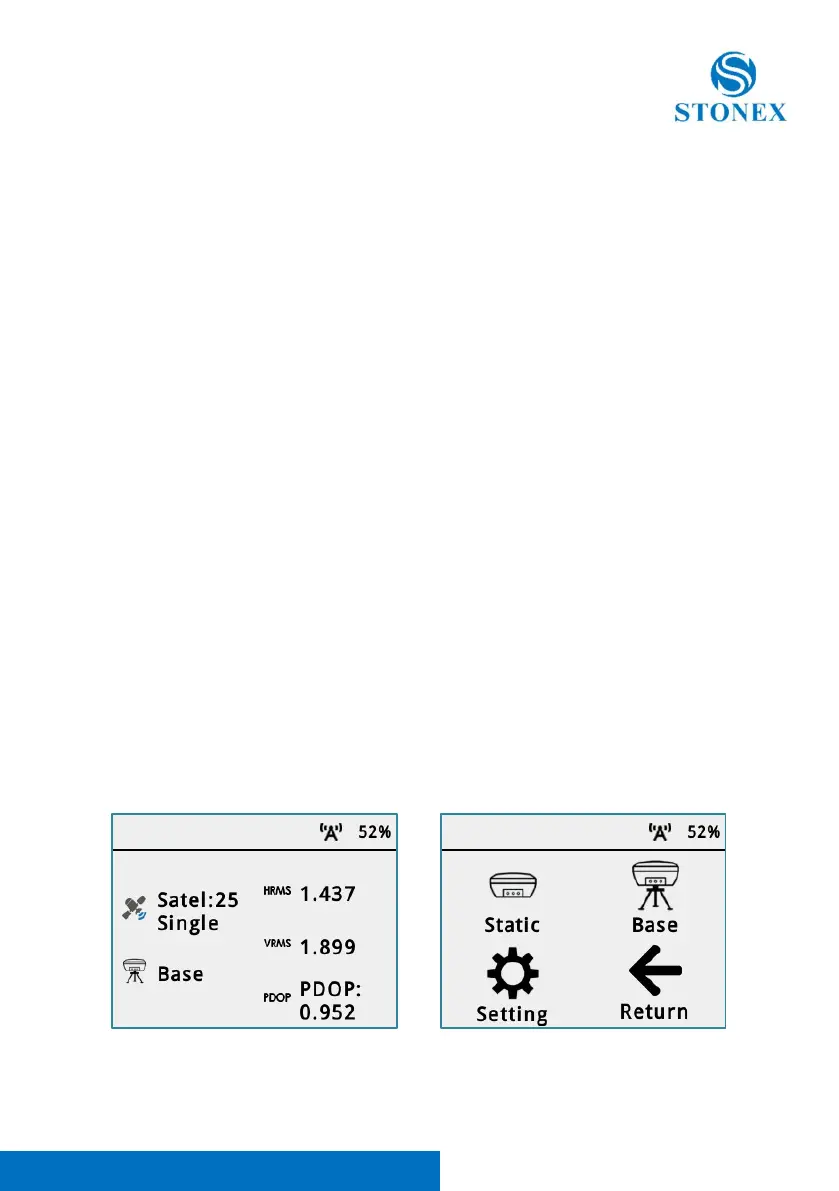
3.4.1 Receiver selfcheck with Display touch
With the new Stonex S990A, throught the display the user can does the
selfcheck.
To start a selfcheck follow the steps here below:
From the Status windows scroll to the left to open the Working Mode menu.



 To Next Page