Stonex S990A GNSS Receiver – User Manual v1.0 29
7. Display Touch Menu
The Stonex S990A is equipped with a Display touch.
Throught the touch screen the user can check the status of the receiver, start
a static session, start a base via UHF and start a base using an external device
(in example the external radio).
7.1 Status of the receiver
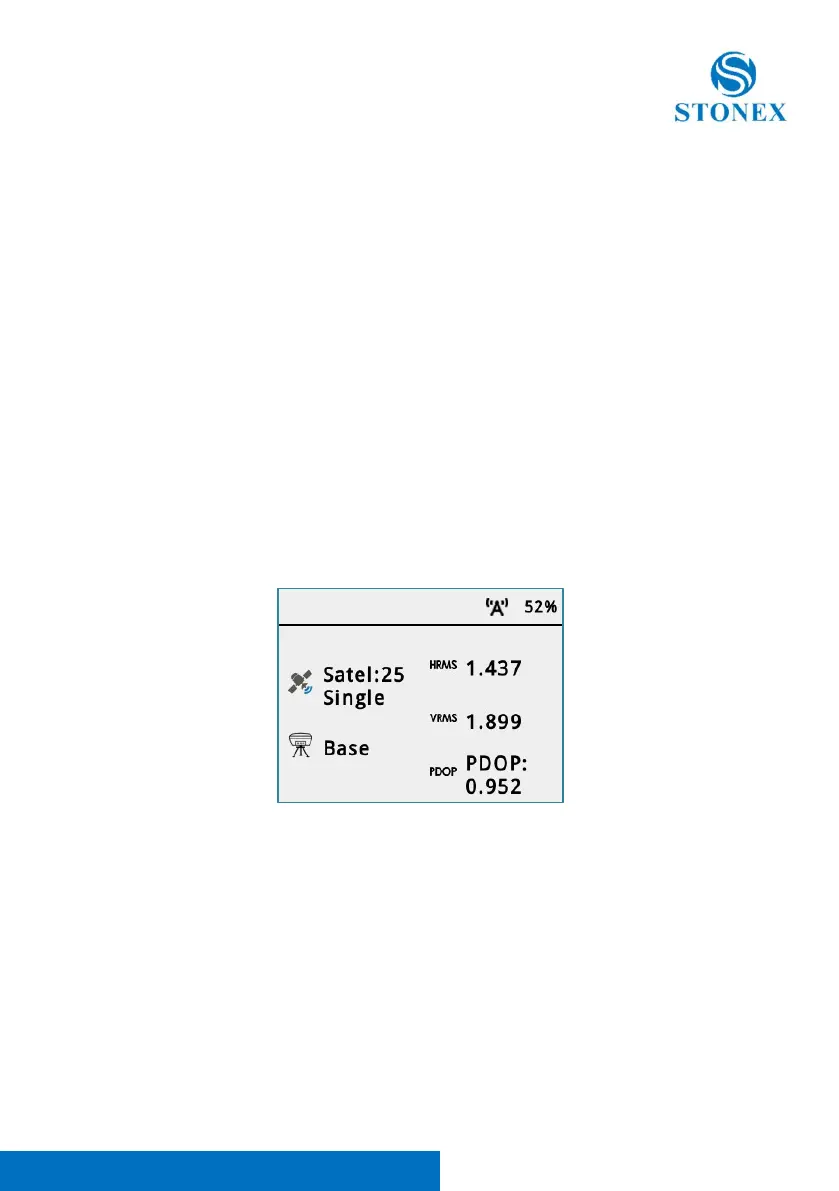
As default on the display it appears the status of the receiver.
There, it showed the HRMS, VRMS, PDOP of the current solution.
It showed the status, and the current working mode.
It is also showed the level of the battery.
*To go back on the previous page inside the menu scroll to the right.



 To Next Page