Stonex S990A GNSS Receiver – User Manual v1.0 33
7.4.2 External Base
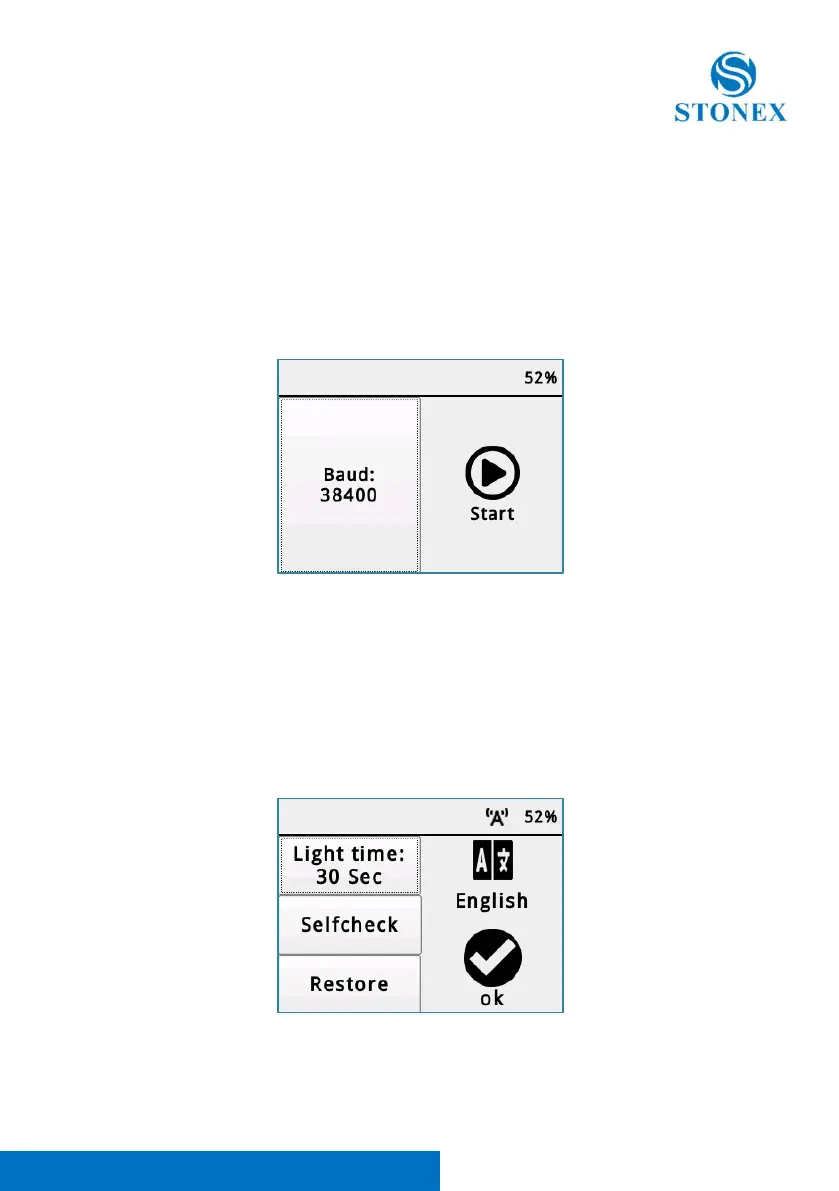
The user has also the possibility to start a base with external device.
To do that, in radio mode menu, it necessary select Ext
Inside Ext menu the user can choose the Baud Rate to communicate to the
external device via 5-Pin LEMO cable.
7.5 Settings
Inside Settings, the user can change the light time of the screen, start a self-
check, start a Restore Factory Settings or change the Display touch language.
After every change, to confirm it, it is necessary press OK.



 To Next Page