56
● If there are no Diagnostic Trouble Codes present, the display indicates "No (pending)
codes are stored in the module!" Wait a few seconds or press any key to return to the
Diagnostic Menu.
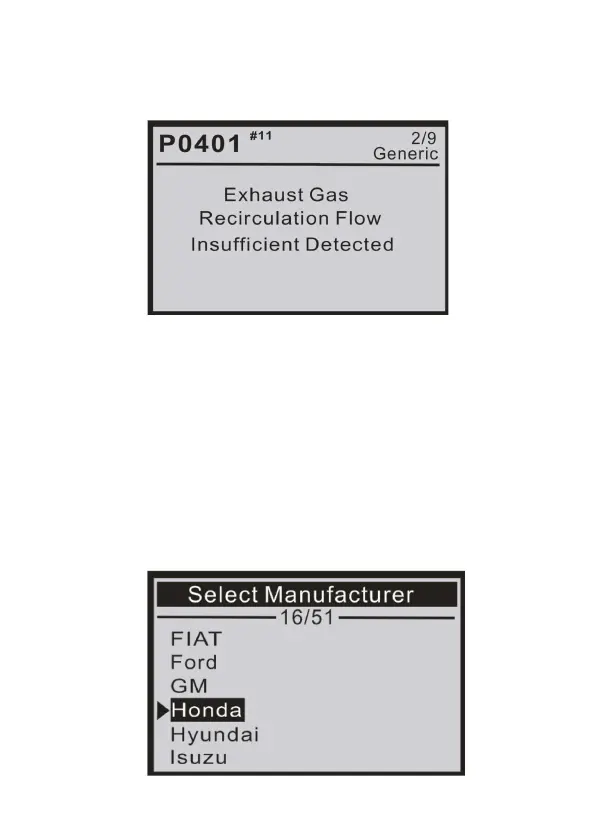
● The control module number, sequence of the DTCs, the total number of codes detected,
and type of codes (Generic of Manufacturer specic) will be observed on the upper right-
hand corner of the display.
4) If more than one DTC is found, use the UP/DOWN scroll button, as necessary, until all the
codes have been viewed.
● If retrieved DTCs contain any manufacturer-specic or enhanced codes, a "Manufacturer
specic codes are found! Press any key to select vehicle make!" message comes up
prompting you to select vehicle manufacturer to view DTC denitions. Use the UP/DOWN
scroll button to select the manufacturer and then press ENTER to conrm.
3) View DTCs and their denitions on the screen.


 To Next Page