n Many channel handling options
n 3 Games (Tetris, Snake, Othello)
n Support of active antenna by 5 V output
* Depending on local signal conditions; ** Availability depending on broadcaster
Accessories:
n 1 User Manual
n 1 Remote control unit
n 2x Batteries (AAA type)
Note: The batteries should not be recharged, disassembled, electrically short-circuited or be mixed or used with other
types of batteries.
If rechargeable accumulators instead of batteries are going to be used, we recommend using (e.g. NiMH) types
with low self-discharge to ensure long time operation of remote control.
2.0 CONNECTION
2.1 Connecting to TV and Terrestrial Antenna
To receive the broadcast signal, connect the terrestrial antenna cable to the ANT IN connector at the back of the receiver (Fig. 1)
2.2 Connecting to VCR
Connect the receiver to a DVD Recorder or VCR using a SCART cable. (Fig. 1)
2.3 Connecting to a Digital Audio Amplifier
Connect your Digital Audio Amplifier with the S/PDIF connector on the back of the receiver (Fig. 1).
3.0 YOUR RECEIVER
3.1 Front Panel
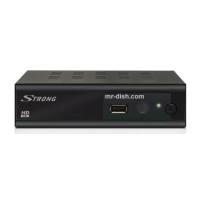
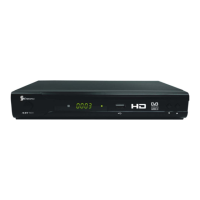
Fig. 2
3.2 Rear Panel
Fig. 3
1. ANT IN To connect an antenna for reception of broadcasting signal.
2. TO TV To connect a TV set or to connect an extra receiver.
3. TV SCART Connector To connect your receiver with your TV set using a SCART cable.
4. VCR Scart Connector To connect your receiver with your VCR using a SCART cable.
5. S/PDIF Coaxial To connect your receiver to digital audio amplifier.
6. Power Cord Your receiver requires a voltage of 100 ~ 240 V AC (Auto-selectable), 50/60 Hz +/-5 %. Make sure to
check the power specification before connecting your receiver to the wall outlet.


 To Next Page