13
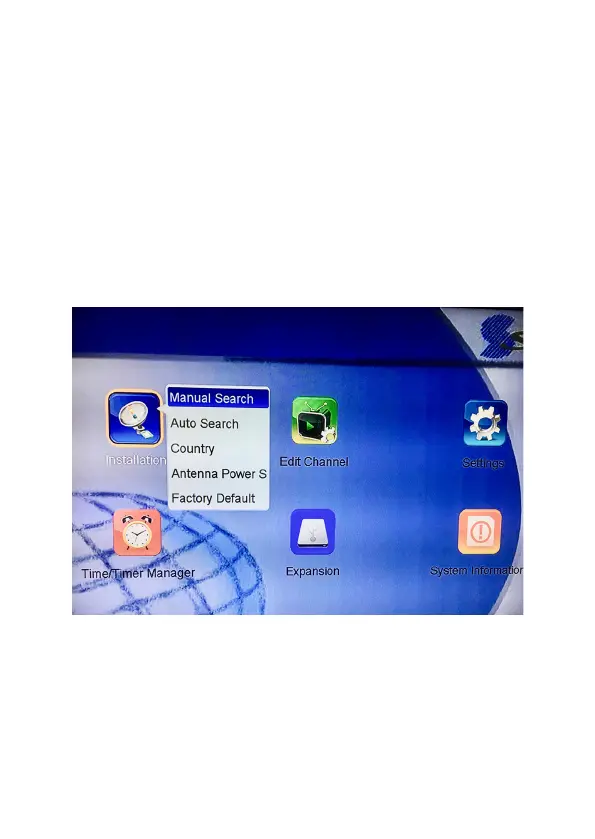
• Select ‘On’ in Power Antenna Setting, if you’re using Active
Antenna.
• Select ‘Auto Channel Search’, a warning may appear “Network
search YES/NO” (Default is NO). Leave it as NO.
• Press ‘OK’ to start to do channel searching.
• If you prefer you can do a Manual Channel Search.



 To Next Page