12
3.2 First time installation
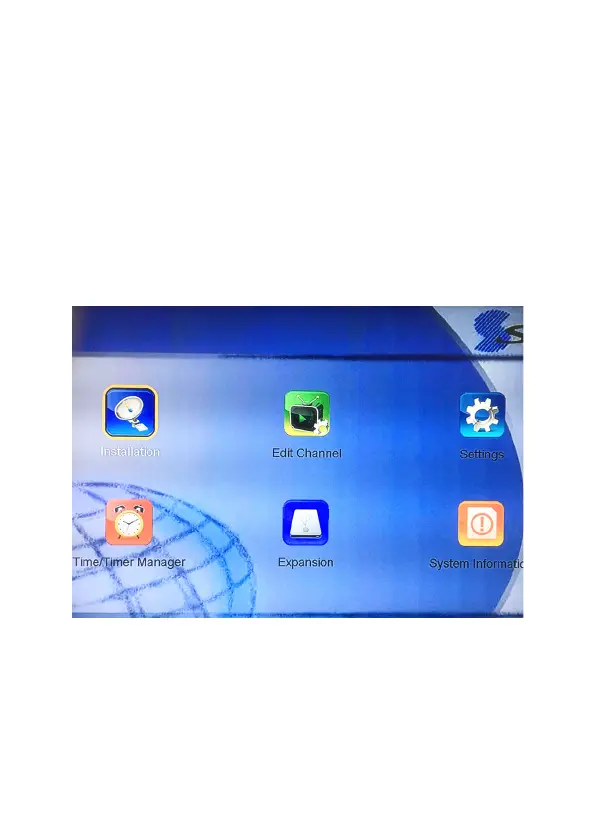
If you are using the unit for the rst time or have restored the unit
to factory default, the installation guide menu will appear on your
TV screen. (after the factory reset: Select LANGUAGE, NO CHANNEL
appears, then press MENU, select Installation, input Password, then
select auto/manual search)
• Select Installation and Press ‘OK’.
• Please input PASSWORD (0000).
• Then select Auto Search or Manual Search.



 To Next Page