EasyManua.ls Logo

Strong SRT 7805 - User Manual

Strong SRT 7805
25 pages
Print Icon
To Next Page IconTo Next Page
Loading...
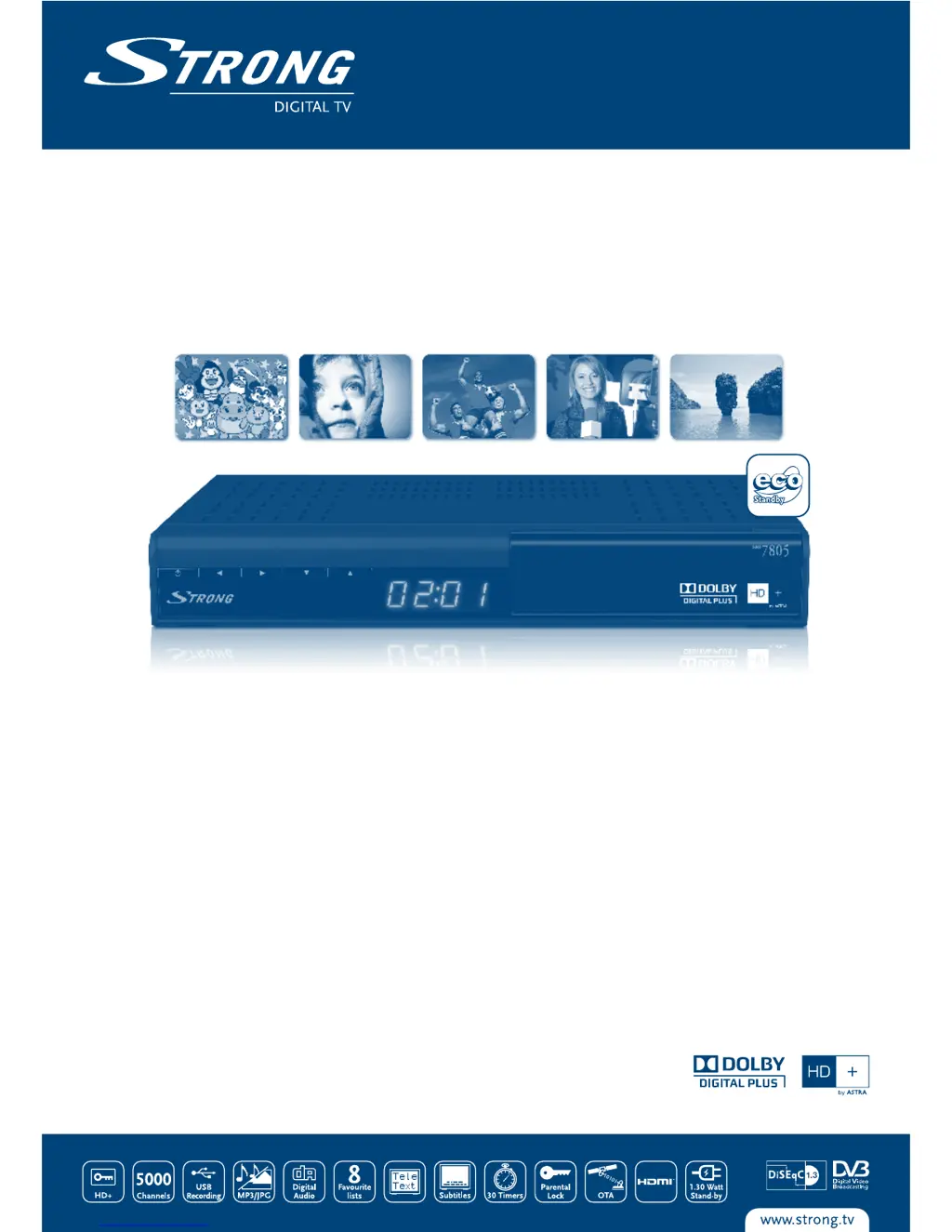
Digitaler High Definition Satelliten
Receiver SRT 7805
Abbildung ähnlich
Bedienungsanleitung
User Manual

Questions and Answers

  • L
    Laura MartinezAug 13, 2025
    What to do if my Strong SRT 7805 TV Receiver has no picture or sound?
    • M
      Miguel JonesAug 13, 2025
      If your Strong TV Receiver isn't displaying a picture or producing sound, there are a few potential causes. First, ensure the Audio/Video output of the receiver is correctly connected to your TV. Check the settings in the menu under Control Panel > System Setup > User Setup. Also, make sure that audio muting is not enabled by pressing the MUTE button. Finally, verify that your TV is powered on and the correct input is selected.
  • J
    Jennifer SmithAug 16, 2025
    Why is my Strong TV Receiver remote control not working?
    • H
      hwilsonAug 16, 2025
      If the remote control for your Strong TV Receiver isn't working, the batteries may not be inserted correctly, might be exhausted, or may be missing altogether. Check the batteries and replace them if necessary, ensuring they are correctly inserted.
  • D
    Dorothy HallAug 20, 2025
    How to fix a 'No Signal' or 'No Picture' issue on my Strong TV Receiver?
    • E
      Erin ObrienAug 20, 2025
      If your Strong TV Receiver displays 'No Signal' or 'No Picture', the receiver might not be getting a signal. Check the antenna cable: ensure it’s connected tightly to the receiver, and replace it if necessary. You may also need to correctly set the tuner parameters in the menu under Channel Setup > Channel Scan. Finally, the dish direction might be wrong; check the signal with appropriate equipment and adjust your dish accordingly.
  • J
    Jessica JonesAug 25, 2025
    What to do if the display on the front panel of my Strong SRT 7805 TV Receiver doesn't light up?
    • Z
      Zachary HartAug 25, 2025
      If the display on the front panel of your Strong TV Receiver isn't lighting up, the power cord or adapter may not be plugged in properly. Check that the power cord is securely plugged into the wall outlet and that the power adapter is correctly connected to the rear panel.
  • K
    Katherine WilliamsAug 28, 2025
    Why is my USB storage device not working properly with my Strong SRT 7805?
    • B
      bwaltersAug 28, 2025
      If your USB storage device isn't working correctly with your Strong TV Receiver, it might be improperly formatted or the device speed may not be sufficient. Format the USB device using the receiver's menu under Multimedia>USB Info & Format. Also, verify that a USB 2.0 device is connected.
  • R
    Ryan LangAug 31, 2025
    Why does my Strong SRT 7805 TV Receiver automatically switch to STBY (standby)?
    • W
      Willie AlexanderAug 31, 2025
      If your Strong TV Receiver automatically switches to STBY, the Auto Power Down function may be activated and reached its set time (default is 3 hours). You can adjust the Auto Standby time in the menu under Control Panel > System Setup > Time Setup.
  • R
    Richard PenaSep 4, 2025
    What to do if the external USB HDD doesn't start with my Strong TV Receiver?
    • K
      Kevin HudsonSep 4, 2025
      If your external USB HDD isn't starting with your Strong TV Receiver, it could be due to high power consumption. Try connecting an extra power supply adapter to your USB HDD device.
  • C
    caldwelldevinSep 8, 2025
    Why I have no access to pay per view services on my Strong SRT 7805 TV Receiver?
    • J
      Jordan GarciaSep 8, 2025
      Access to pay-per-view services on your Strong TV Receiver may be unavailable due to several reasons: your payment might have expired, the smart card may not be inserted correctly, or the smart card may be incorrect for the service. Check your access data in the CAS menu, ensure your card is correctly inserted, verify with your local dealer, and confirm that the card matches the service.

Summary

1.0 INTRODUCTION

1.1 Safety Instructions

Covers essential safety precautions for installation, operation, and handling of the receiver.

1.5 Usage of external USB devices

Details how to use USB storage devices for recording, playback, and file management.

2.0 YOUR RECEIVER

2.1 DEFAULT PIN-CODE: 0000

States the default PIN code required for initial setup and security features.

3.0 CONNECTIONS

4.0 STARTING UP FOR THE FIRST TIME

4.4 Channel installation

Instructions for scanning and installing satellite channels, including APS system setup.

6.0 OPERATION

6.7 Recording

Instructions for recording live TV programs to an attached USB storage device.

6.6 EPG (Electronic Programme Guide)

How to access and utilize the EPG for program schedules and recording setup.

7.0 MENU

7.1 Channel Setup

Allows configuration of satellite settings, antenna, and channel scanning processes.

A.1 TROUBLESHOOTING

A.2 SPECIFICATIONS

Strong SRT 7805 Specifications

General IconGeneral
BrandStrong
ModelSRT 7805
CategoryTV Receiver
LanguageEnglish

Related product manuals