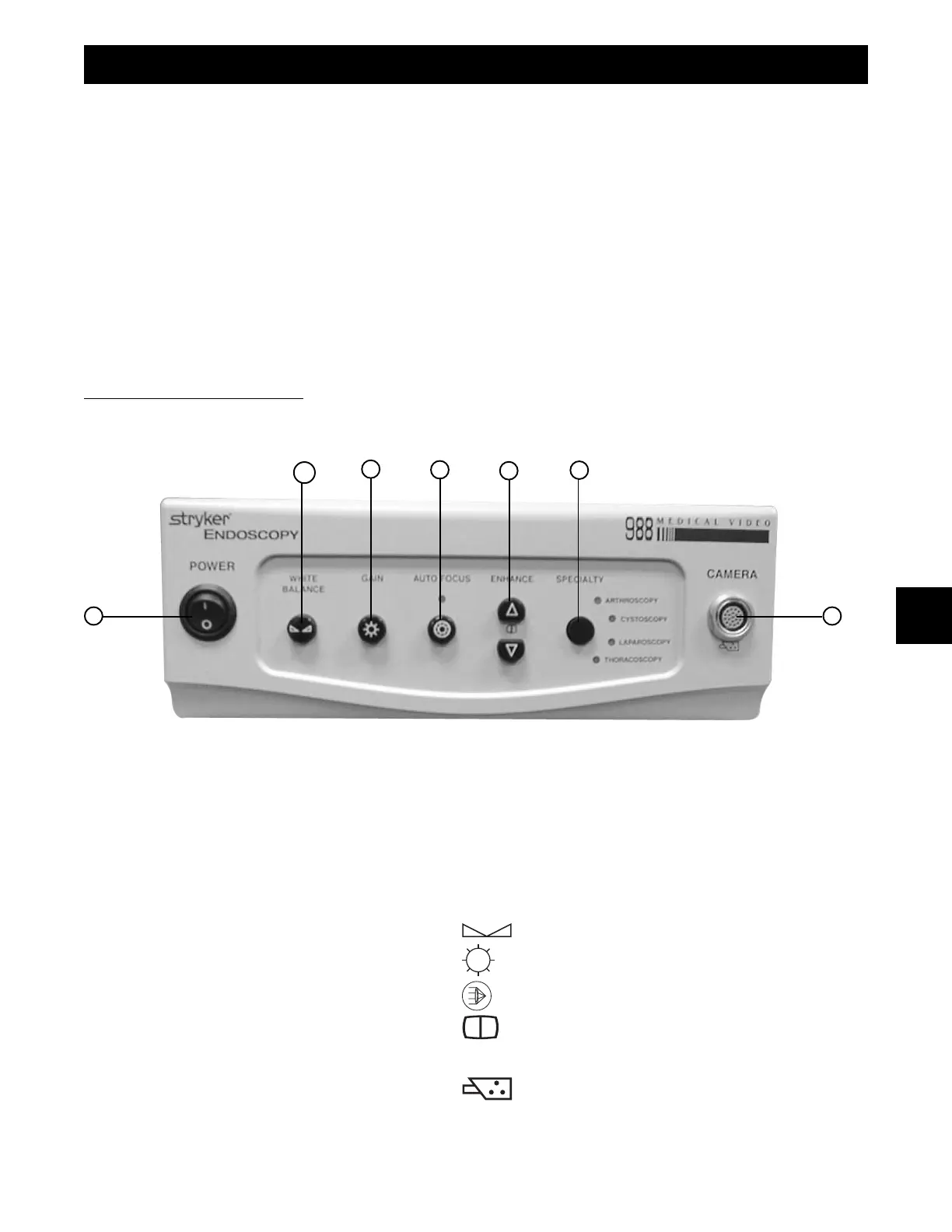
Front Panel
1. Power Switch - Turns camera on or off.
2. White Balance - Begins WHITE BALANCE operation
3. Gain - Selects four levels of light sensitivity settings.
4. AUTO Focus - Turns Auto Focus on or off.
5. Enhance
↑/↓↑/↓
↑/↓↑/↓
↑/↓ Buttons - Increases/decreases sharpness.
6. Specialty - Selects Arthroscopy, Cystoscopy, Laparoscopy, Thoracoscopy surgical presets.
7. Camera Connector - Connection for the camera head.
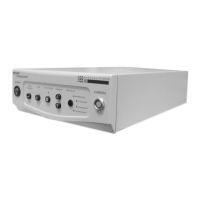
The Stryker Endoscopy Model 988 Medical Video Camera is
designed for all types of video endoscopy applications. The
Model 988 camera, with the proper coupler, can be used with
most endoscopes or arthroscopes. Stryker Endoscopy’s
line of focusing camera couplers maximizes the surgeon’s
television viewing area for various endoscope sizes and
applications. The light sensitivity and color reproduction of
the Stryker Endoscopy system produces excellent picture
quality.
A Stryker Endoscopy Model 988 Medical Video Camera
consists of a camera head, a coupler, a camera control unit,
and associated cables. These can be purchased together or
separately. Stryker Endoscopy considers instructional
training, or in-service, as an integral part of the Model 988
Medical Video Camera. Your local Stryker Endoscopy sales
representative will perform at least one in-service at your
convenience to help you set-up your equipment and instruct
you and your staff on its operation and maintenance. Please
contact your local Stryker Endoscopy representative to
schedule an in-service after your equipment has arrived.
Description of Functions
1
1 7
2
3
4
5
6
PRODUCT DESCRIPTION & USE











 To Next Page