Introduction 25
Before Use
■ Interface Customization
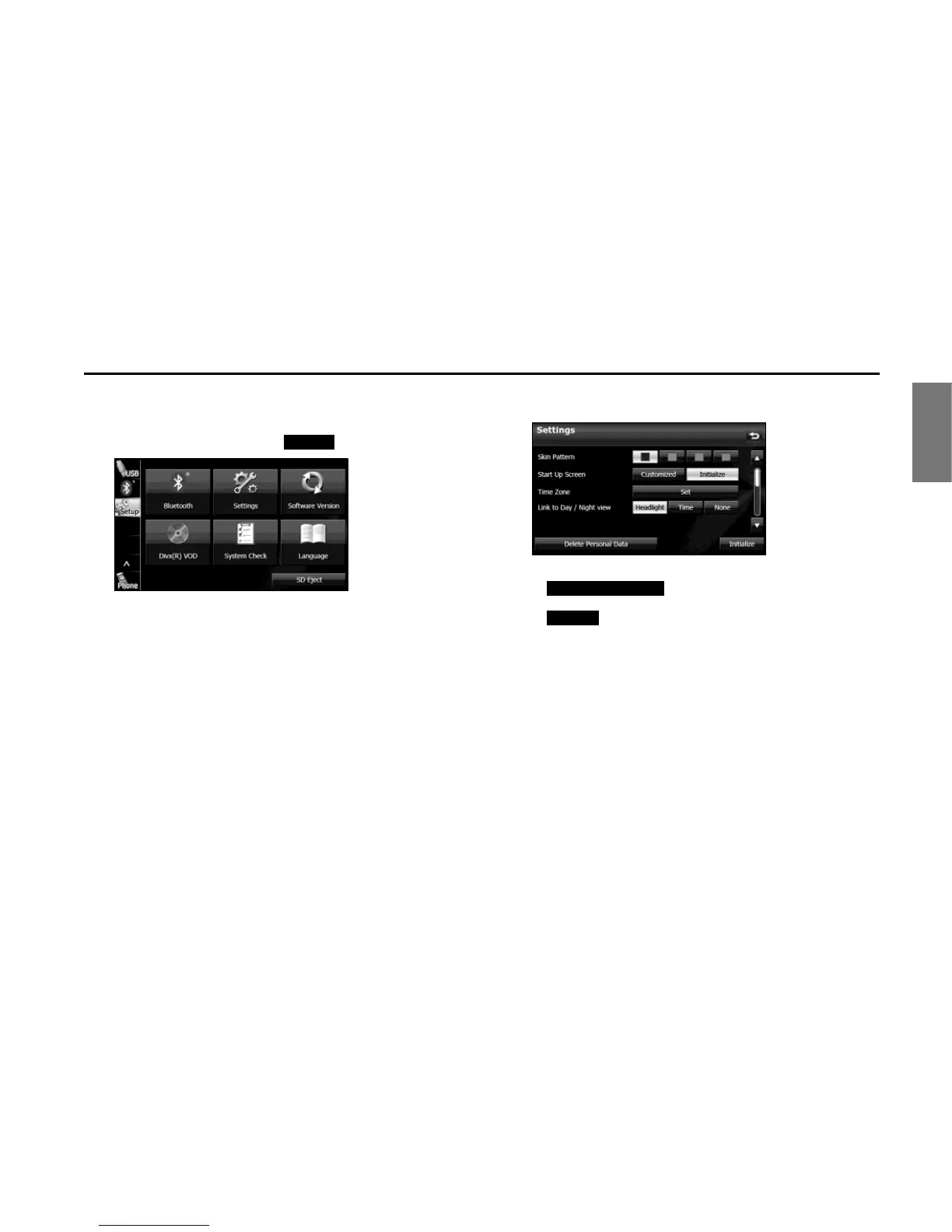
You can set the color pattern (Black/Green/Amber/Blue) for the screen.
1 On the Setup screen, touch (Settings).
2 Touch the color that you want to use as the skin pattern.
• The setting changes to the color pattern that you touched.
NOTE
• Touch (Delete Personal Data) to initialize your
personal data and all settings. (See Page 33.)
• Touch (Initialize) to return the settings in the Settings screen to
their initial values.















 To Next Page