Other 281
Other Operations
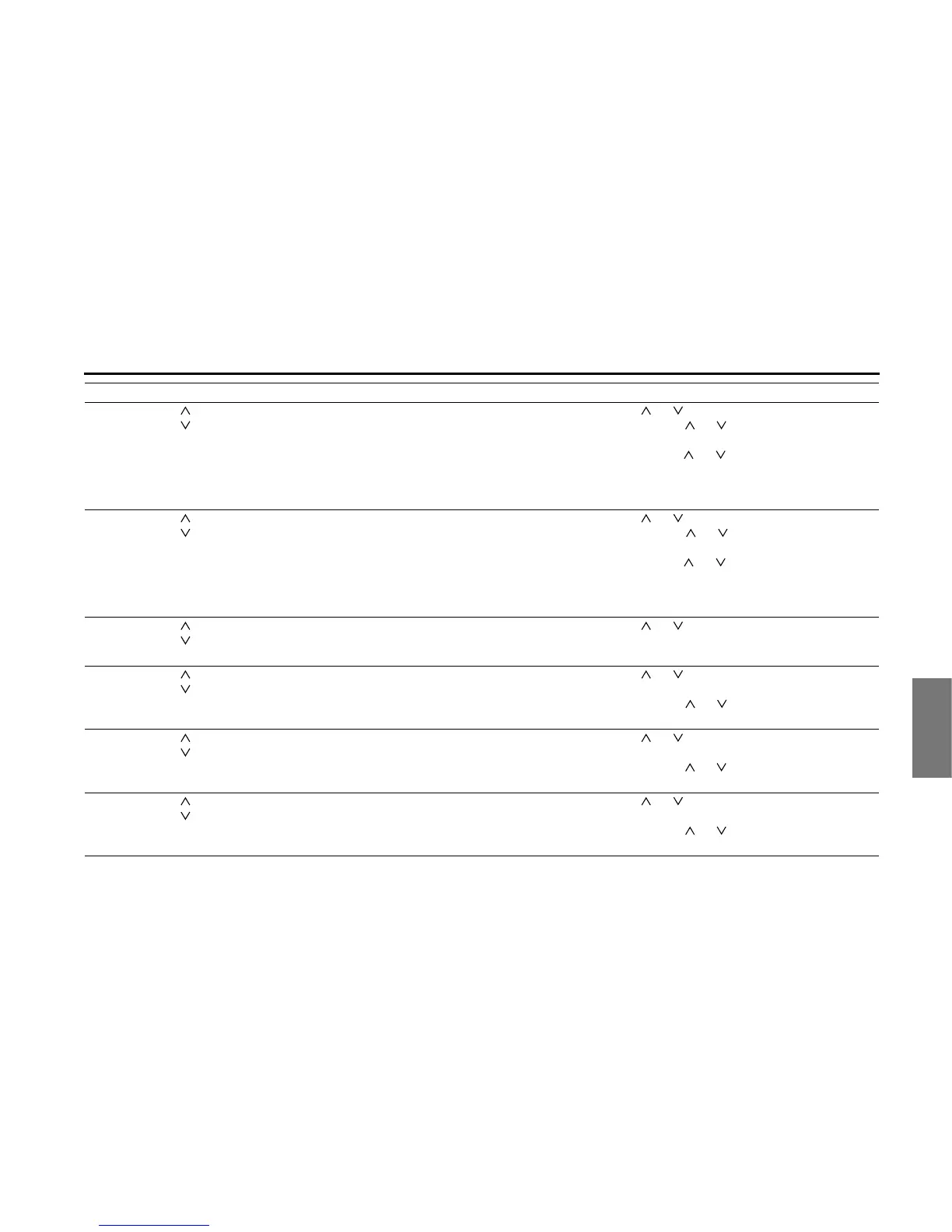
AM / FM (HD
included) radio
operations
()
()
Channel
selection
buttons
• Selects in order the stations saved in the memory.
• Selects automatically the channel closest to the
currently received frequency.
• Selects in order the stations in the station list.
Press ( ) or ( ) briefly to select the stations in order.
Press and hold ( ) or ( ) to start the automatic station
selection operation.
Keep pressing ( ) or ( ) to start SEEK to search a
frequency quickly. The nearest broadcasting station
from the frequency where the button was released can
be received.
XM radio
operations
()
()
Channel
selection
buttons
• Selects in order the channels saved in the memory.
• Selects automatically the channel closest to the
currently received frequency.
• Selects in order the channels in the station list.
Press ( ) or ( ) briefly to select the channels in order.
Press and hold ( ) or ( ) to start the automatic
channel selection operation.
Keep pressing ( ) or ( ) to start SEEK to search a
frequency quickly. The nearest broadcasting channel
from the frequency where the button was released can
be received.
Aha operations
*1
()
()
Content
selection
buttons
• Selects in order the contents in the station screen.
• Selects in order the contents in the content list
screen.
Press ( ) or ( ) briefly to select the contents in order.
CD player
operations
*1
()
()
Track selection
buttons
• Selects the next track, previous track, or start of the
current track.
• Fast forwarding or fast reversing
Press ( ) or ( ) briefly to select the next or previous
track.
Press and hold ( ) or ( ) to fast forward or fast reverse
the track.
MP3/WMA player
operations
*1
()
()
File selection
buttons
• Selects the next file, previous file, or start of the
current file.
• Selects the next or previous folder.
Press ( ) or ( ) briefly to select the next or previous
file.
Press and hold ( ) or ( ) to select the next or previous
folder.
USB operations
*1
()
()
File selection
buttons
• Selects the next file, previous file, or start of the
current file.
• Selects the next or previous folder.
Press ( ) or ( ) briefly to select the next or previous
file.
Press and hold ( ) or ( ) to select the next or previous
folder.
Operation Button Name Function Explanation of operation














 To Next Page