282 Other
Other Operations
iPod and
BT-Audio
operations
*1
()
()
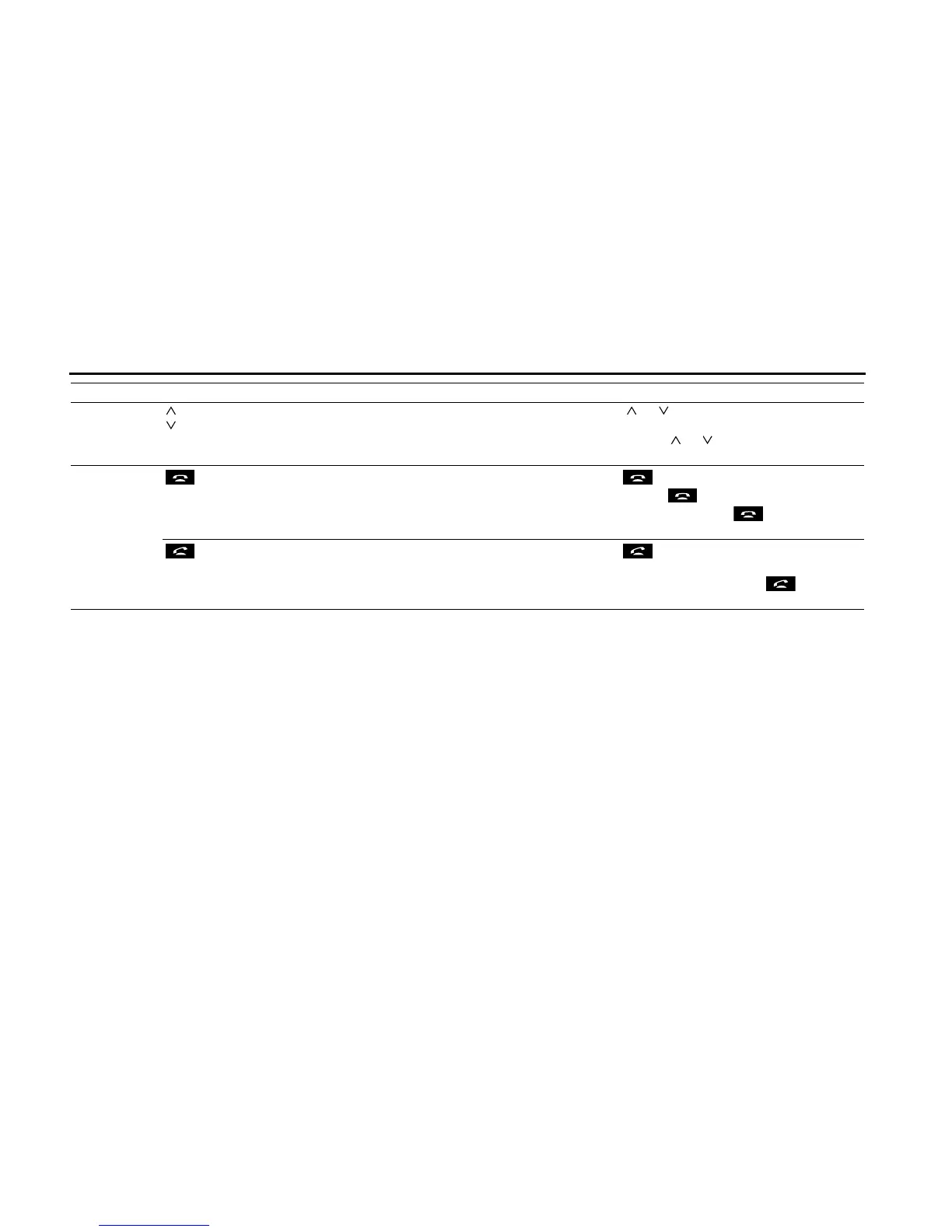
Track selection
buttons
• Selects the next track, previous track, or start of the
current track.
• Fast forwarding or fast reversing
Press ( ) or ( ) briefly to select the next or previous
track.
Press and hold ( ) or ( ) to fast forward or fast reverse
the track.
Bluetooth
handsfree
operations
*1
()
On Hook • Ending a call.
• Canceling a call.
• Refuse the incoming call.
• Holding the incoming call.
*2
Press briefly to end a call or cancel a call.
Press and hold to end the all call.
When in incoming call, press briefly to hold the
incoming call.
()
Off Hook • Selects the telephone mode.
• Making a call.
• Receiving the incoming call.
• Connecting the call on hold.
Press briefly to make or receive a call. When in a
different mode, changes to the telephone mode.
On the incoming call on hold, press briefly to
receive a call.
*1 Enabled only when operation is possible
*2 The Holding function is only available on the operation on the cell phone side.
Operation Button Name Function Explanation of operation















 To Next Page