Introduction 29
Before Use
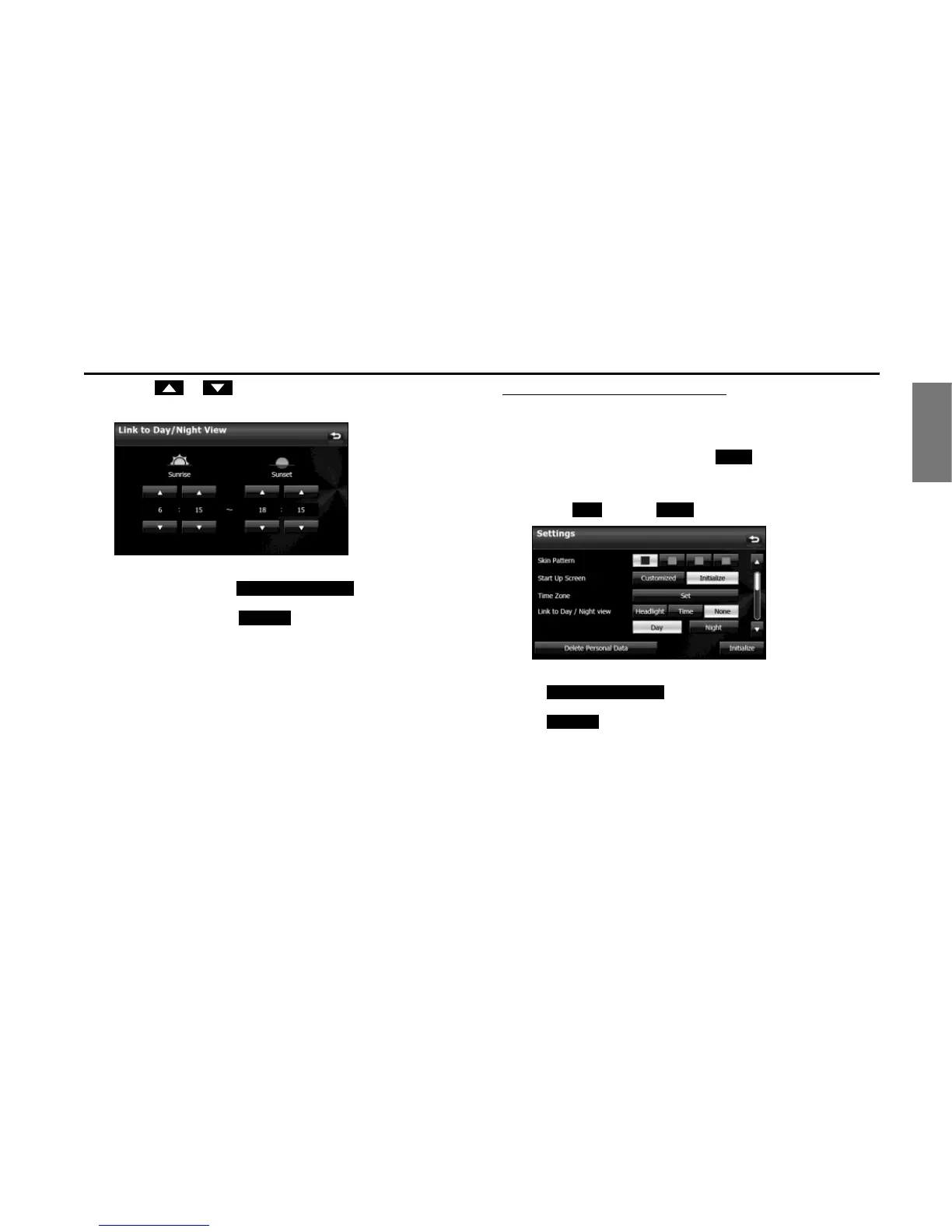
3 Touch or .
• You can set the “Sunrise” and “Sunset” time for the day view.
NOTE
• On the Settings screen, touch (Delete Personal Data)
to initialize your personal data and all settings. (See Page 33.)
• On the Settings screen, touch (Initialize) to return the settings in
the Settings screen to their initial values.
Changing to the night view or day view
When Link to Day/Night View is set to “None”, you can change to the
night view or day view manually.
1 On the Settings screen, touch (None) in Link to
Day/Night View.
2 Touch (Day) or (Night).
NOTE
• Touch (Delete Personal Data) to initialize your
personal data and all settings. (See Page 33.)
• Touch (Initialize) to return the settings in the Settings screen to
their initial values.
Delete Personal Data















 To Next Page