30 Introduction
Before Use
■ Voice recognition setting
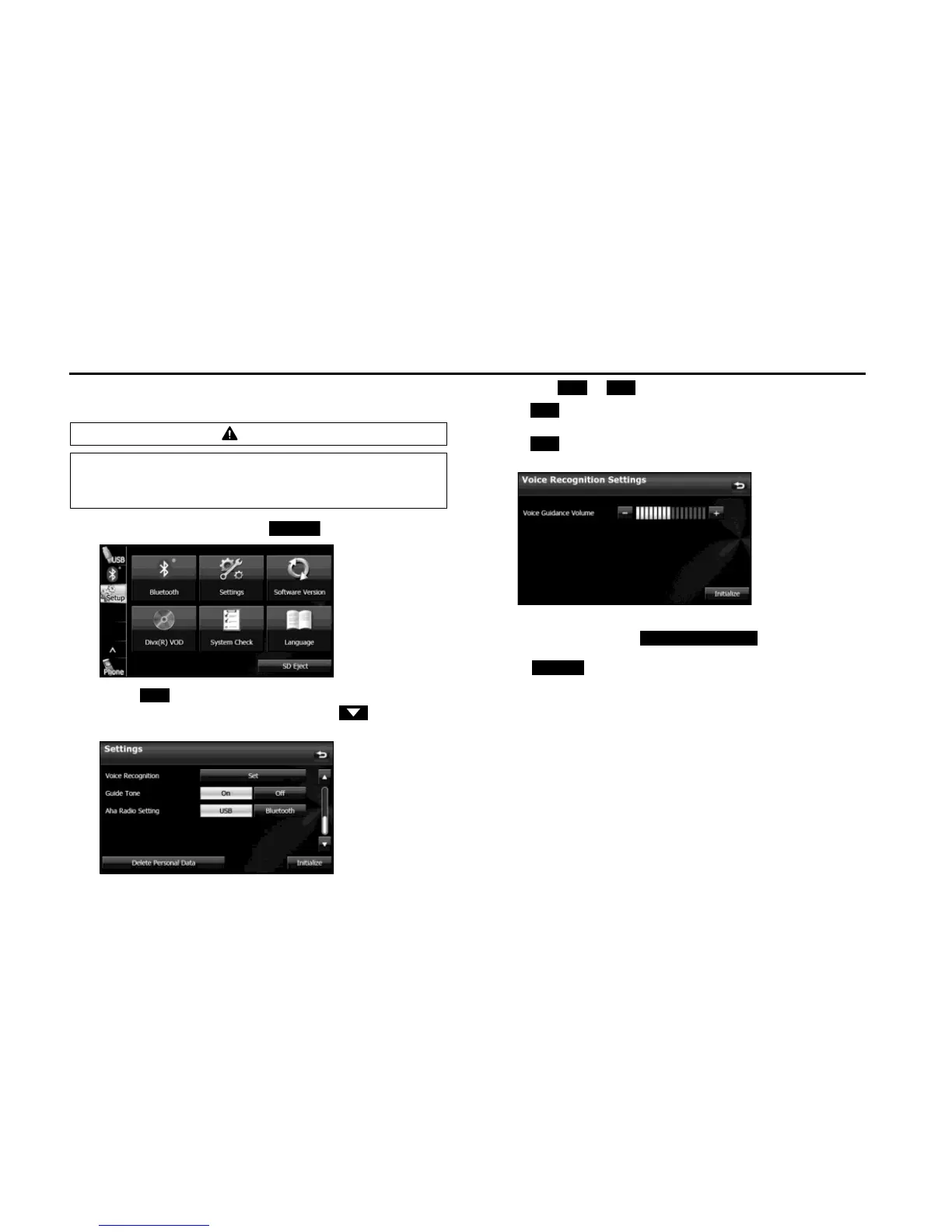
You can set the volume of the voice recognition.
1 On the Setup screen, touch (Settings).
2 Touch (Set) in Voice Recognition.
• If Voice Recognition is not displayed, touch to change the
page.
3 Touch or .
• (right side):
Volume up
(left side):
Volume down
NOTE
• On the Settings screen, touch (Delete Personal Data)
to initialize your personal data and all settings. (See Page 33.)
• Touch (Initialize) to return the settings in the different screens to
their initial values.
CAUTION
Be sure to set the volume of the audio at an appropriate level.
Improper volume setting may result in hearing damage or a
traffic accident.















 To Next Page