Introduction 33
Before Use
■ Deleting Personal Data
You can delete the data items that you registered and return them to
their factory default values.
Deleted personal data items
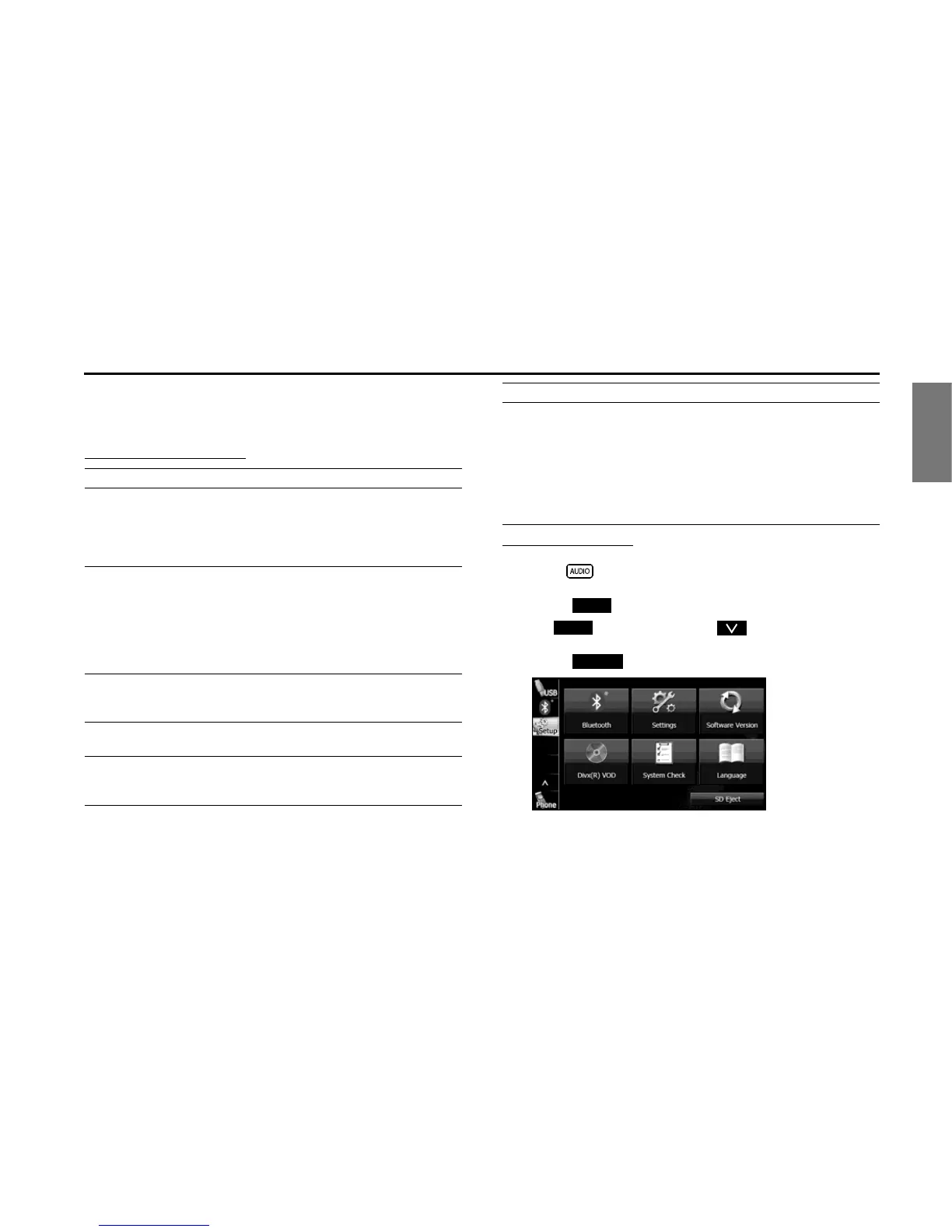
Deleting personal data
1 Press .
2 Touch .
• If is not displayed, touch .
3 Touch (Settings).
Item Deleted data
Navigation • Navigation settings
• Map display setting
• Route learning function
• Indication setting of facilities
• Current position
Settings • Guide tone setting
• Skin pattern setting, Opening screen setting
(including data registered in “Customized”)
• Screen settings
• Link to Day/Night View setting
• Voice recognition setting (including song data
and phone book data)
General audio • Volume setting
• Sound quality setting
• Screen setting
Radio • AM/FM/XM preset channels
• Parental Lock setting
Bluetooth audio • Bluetooth audio registered data
• Settings and edited items related to Bluetooth
audio
Handsfree • Phone book data
• Outgoing call history and incoming call history
• Speed Dial data
• Bluetooth phone registered data
• Unread messages and read messages
• Reply Messages list
• Settings and edited items related to handsfree
messages
Item Deleted data
Setup
Setup















 To Next Page