62 Introduction
Before Use
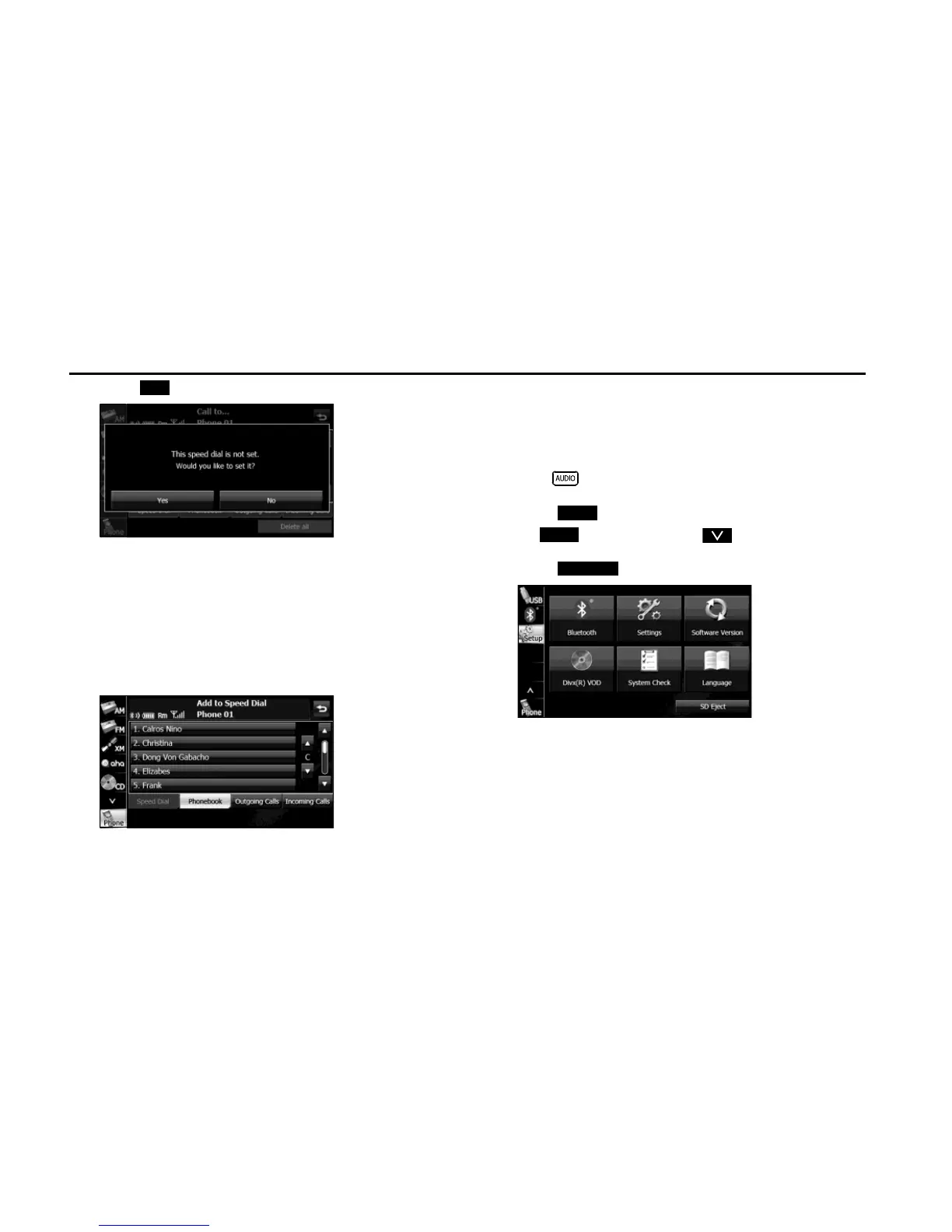
2 Touch (Yes).
3 In the phone book or a call history, touch the data item
that you want to register.
• If you touch a data item in the phone book that has 2 or more
registered telephone numbers, the telephone number
selection screen appears. Touch the telephone number that
you want to register.
• “Speed dial saved.” appears and the Speed Dial registration is
complete.
■ Displaying Device Details
In the Device Details screen, you can display and set information related
to the cell phones that are registered in the unit.
The following information items are displayed.
1
Press .
2 Touch .
• If is not displayed, touch .
3 Touch .
Yes
Setup
Setup
Bluetooth


 To Next Page
 Loading...












