F Series Manual
19
Status (left side of the screen)
This part displays the status of several items that are being monitored.
USB: can be green (connected) or red (not connected).
Remote controller: can be green (activated), or grey (not activated).
Emergency stop: can be green (machine ready), red (emergency stop pushed in) or grey
(machine not connected).
Safety beam: can be green (machine active), orange (not active), red (interrupted) or grey
(machine not connected).
Fatal error: can be red (fatal error happened) or grey (OK).
The large colour blocks make the status visible from a distance there are 5 possible colours.
Red: Means there is an error message that needs confirmation from the operator. Possible
events: Emergency button pressed, trip switch or optical sensors from safety system were
activated, fatal error or machine is rebooting.
Yellow: Means a warning message is displayed that needs confirmation from the operator.
Green: Normal status of machine, might be busy with a job or waiting for a job.
Blue: This means an intervention of the operator is needed. Is shown when a job is paused or
interrupted because an operator intervention is needed.
White: Special status means the machine is not ready for sending a job to it, it might be busy
re-flashing firmware or just offline.
Media info: Displays the currently set media size.
Module info: Info about modules/tools. The mounted tool is shown and the up /down value and
the speed set for internal tests.
Last machine event: Here the last message, sent from the flatbed to the computer, is displayed.
This message disappears if it has been acknowledged by the user.
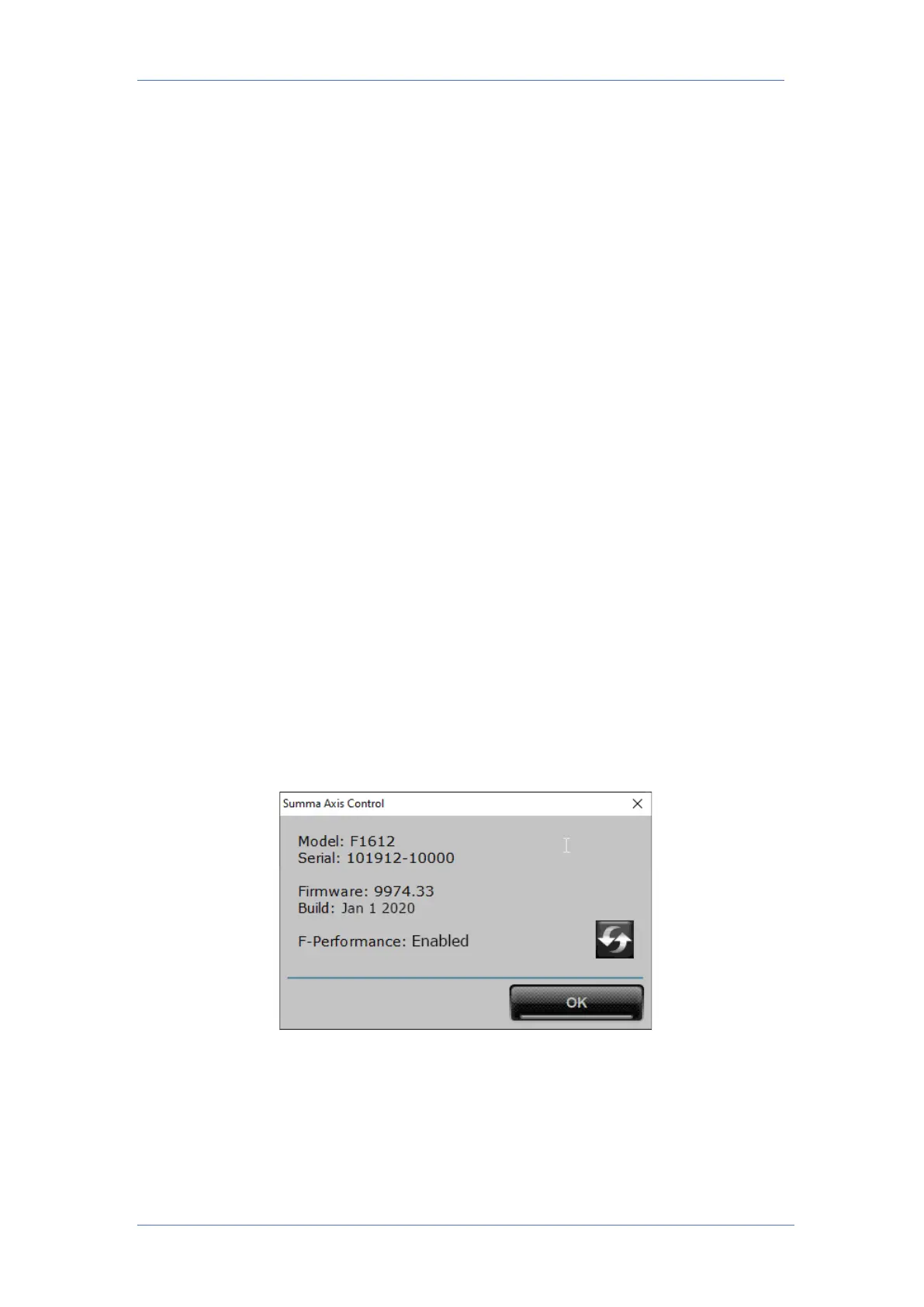
Click on the Axis Control logo to show the model, serial number and firmware revision.
The rest of the Window shows the different menus of Axis Control to interact with the flatbed.
They are explained in the next sections.



 To Next Page