F Series Manual
18
3 AXIS CONTROL
3.1 Axis Control
Axis Control is standard delivered software that gives full control over the flatbed. The
optimized design for touch screen control makes Axis Control the optimum interface for the
machine operator.
Always start up Axis Control before the machine is switched on or
before the remote is connected. Close Axis Control always as last.
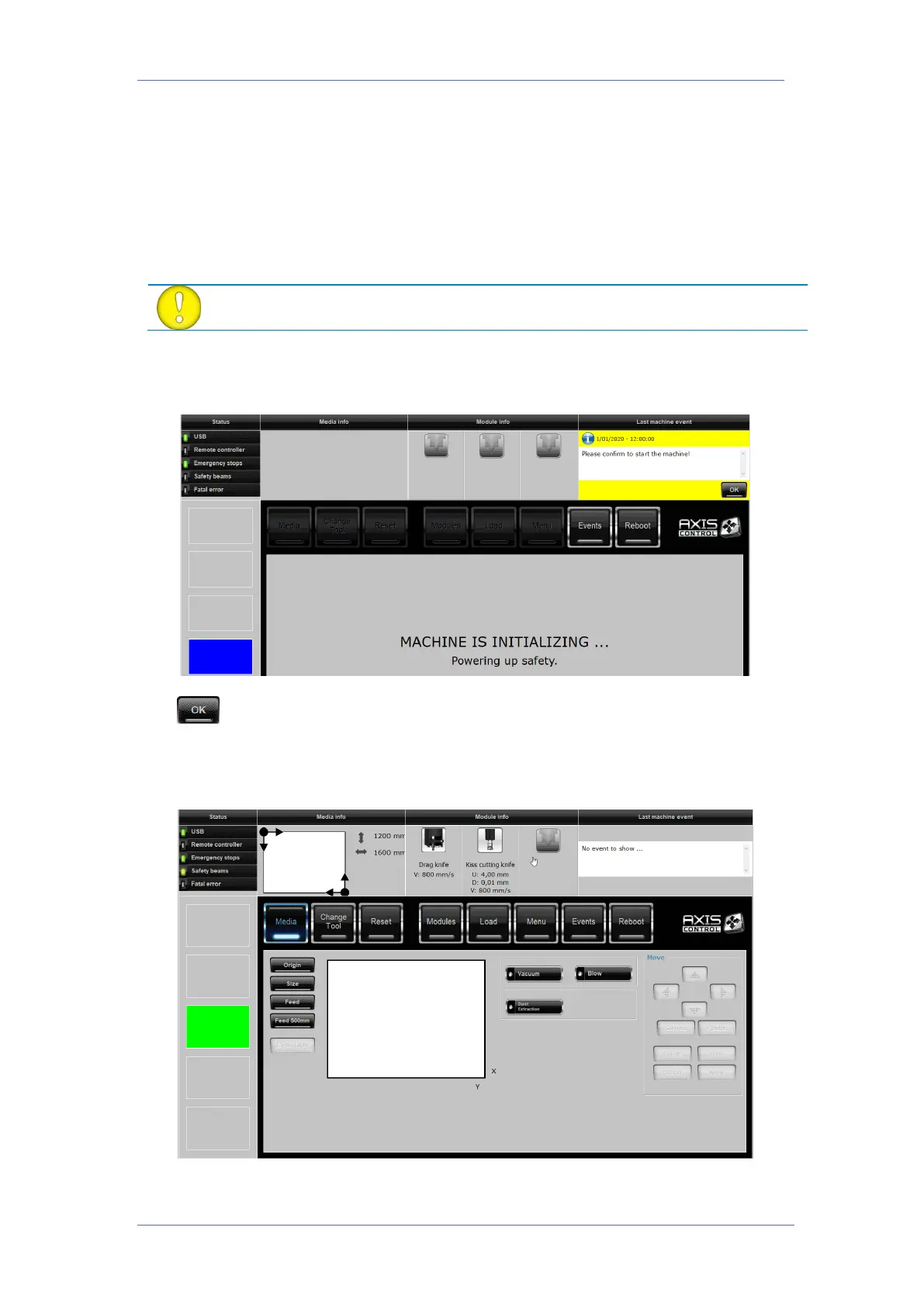
When the flatbed is powered on, a message will appear asking the operator permission to
proceed with the start-up sequence. This prevents the table from accidentally moving.
Click to proceed with the startup sequence. In the next step the emergency buttons will
be checked and after that the safety trip switches and the safety light beams.
3.1.1 Main Window
After startup and initialization of the table, the window as above is displayed.



 To Next Page