F Series Manual
20
3.1.2 Media menu
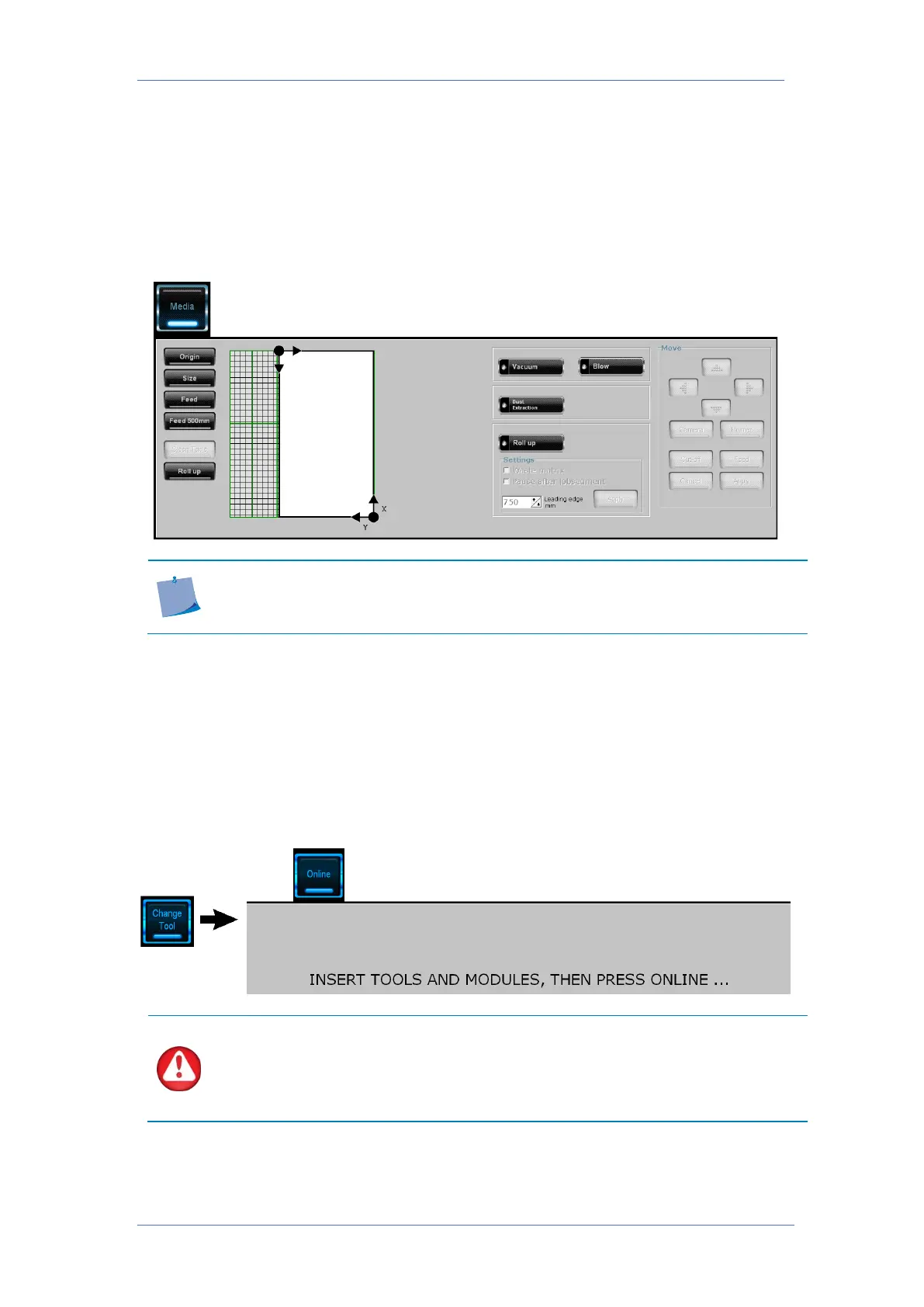
The media menu is used to load media and set up media size. Extra control buttons are also
available for making media loading easy. Some functions are only available if certain options
are installed.
The buttons under the move sections become active during the setup of the media (origin and
size setting).
NOTE: The dust extraction parameters function only when a router module
(optional) is installed. The parameters for the roll-up are only available if the roll-
up (optional) is installed.
3.1.3 Change Tool
The change tool menu must be used when a module or tool is changed on the flatbed. If a tool
or module is changed while the flatbed is not in the change tool menu, the machine will not
detect the change and the cutting surface may be irreversibly damaged if a job is started
afterwards.
After a module or tool change, click the Online button. The machine will then detect any module
or tool change. It will also remind the operator to calibrate the tool before using it.
Only change/install a module or tool after clicking ‘Change Tool’ in Axis
Control. The machine will not make any unexpected movements after the change
tool button is pressed and as long as the online button is visible. The power to the
motors is cut, so after Online is clicked, the motors return to thei
r original position.
Do not move them too far out of their original position.



 To Next Page