F Series Manual
23
3.1.9 Reboot
This button is for restarting the machine completely. It is a ‘warm restart’. The flatbed goes
through its entire initialization procedure, which is normally run when the machine is switched
off and back on again.
This reboot does not reboot the camera in the flatbed.
3.1.10 Color Axis Control icon
The colour of the icon of Axis Control in the tray menu can differ.
The normal colour is white.
When the icon is yellow, this means the flatbed is busy (resetting, cutting a test pattern,
waiting for a response from the user,…).
When the icon colour is red, this means Axis Control has no connection with the flatbed cutter.
3.1.11 Axis Control options when table is busy cutting jobs from Summa
GoProduce
When a job is started from Summa GoProduce, the emergency stops become active (
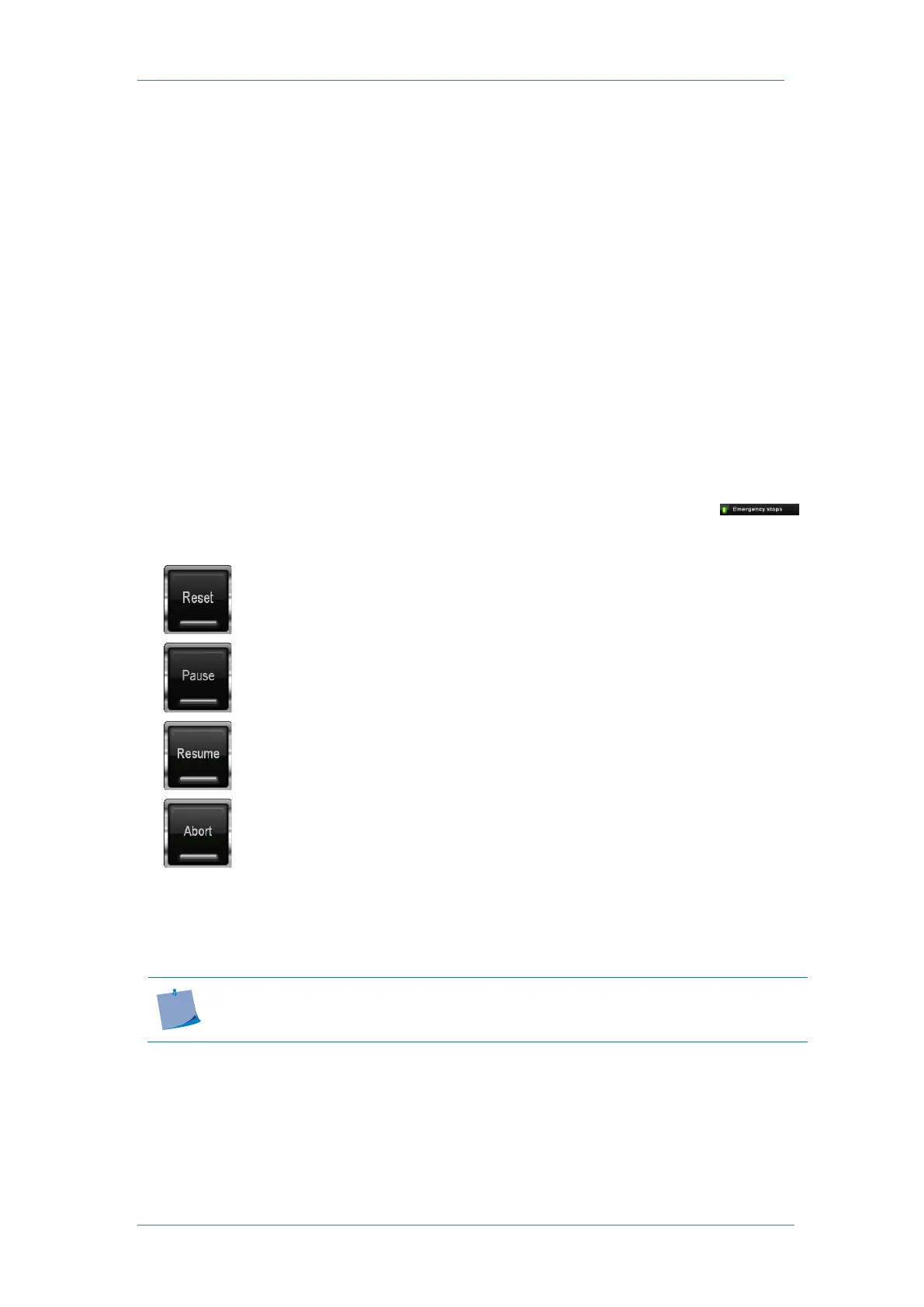
) and the view of Axis Control changes. There are now two main buttons.
Click this button to stop the current job. The table will finish the vectors,
loaded in the buffer and reset the origin. The computer will send the rest of
the job but the table will not cut it out.
Click this button to pause the current job. The table will finish the vectors
loaded in the buffer, pause and show the two new buttons.
Click this button to resume the job. The table will start cutting the rest of
the job.
When the table is paused, the job can be aborted by clicking this button.
The carriage will move back to the current origin. The computer will send
the rest of the job but the table will not cut it out.
If the safety beams are interrupted or the trip switches in the bumpers are triggered, then the
table will stop and the table will pause. Summa Axis Control will give a message. Click the OK
button in the message window to continue.
Do not use the emergency stop as a pause button. It will reduce the cutting
quality. A controlled pause makes sure all vectors are cut out with the correct speed



 To Previous Page