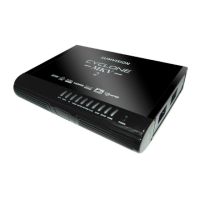
Cyclone MKV 2 Multimedia Enclosure
Page 2.
Version 1.2
Contents:
Safety Instructions: ..........................................................................................5
Product Details:................................................................................................7
Packaging List:.............................................................................................7
Front View: ...................................................................................................7
Back View:....................................................................................................9
Remote Control: .........................................................................................10
User Interface: ...............................................................................................13
Main Menu:.................................................................................................13
Browser Menu: ...........................................................................................14
Setup Menu:...............................................................................................15
Installing a Hard Disk Drive:...........................................................................16
Basic Setup:...................................................................................................17
Connecting Power:.....................................................................................17
AV Cable:...................................................................................................17
Component output connection (YPbPr)......................................................18
HDMI Cable:...............................................................................................19
Optical Cable (Audio Only):........................................................................19
USB Host Interface:....................................................................................20
Direct PC Connection via USB:..................................................................20
Connection and Network Setup:.................................................................21
Wired Connection:......................................................................................22
DHCP IP (Auto): .....................................................................................22
Fixed IP (Manual): ..................................................................................22
Wireless:.....................................................................................................23


 To Next Page