Cyclone MKV 2 Multimedia Enclosure
Page 47.
Version 1.2
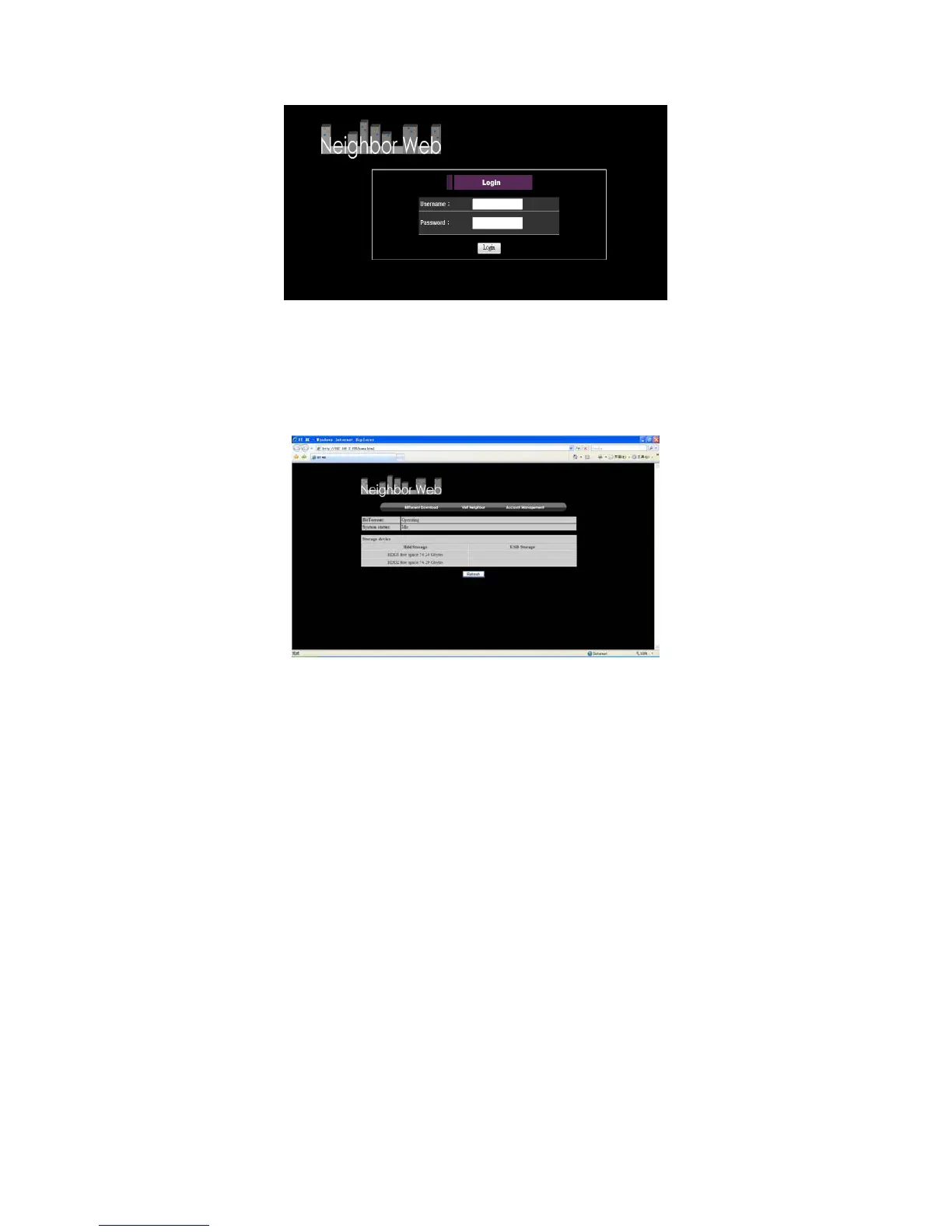
Once successfully logged into the web service, the Neighbour Web home
page will display.
This page will display information regarding the Cyclone MKV 2’s BitTorrent
and System status. Also displayed is the available space on the HDD.
BitTorrent Download:
This section of Neighbour Web provides access to the BitTorrent service
interface. It gives an overview of the activity of the torrent downloads as well
as details of individual downloads.
To return to the Neighbour Web home page, click on “Home,” located in the
top right of the screen.
Start Clicking on this button will start a newly acquired torrent
file. It will also restart a previously stopped torrent
download.
Stop Clicking on this button will stop the selected torrent
download.
X Torrent Clicking on this button will permanently delete the
selected torrent download.


 To Next Page