Cyclone MKV 2 Multimedia Enclosure
Page 30.
Version 1.2
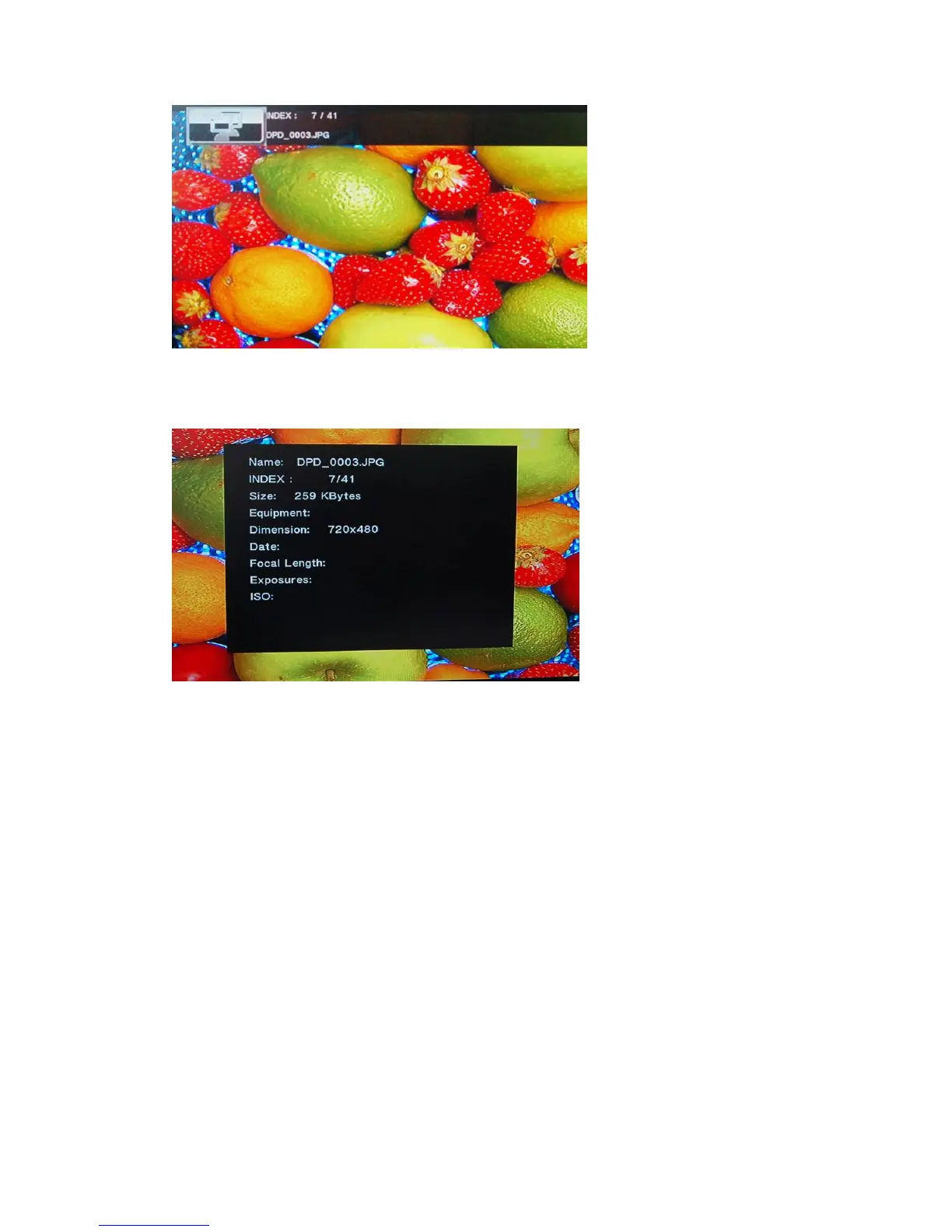
After pressing the INFO button again, the following menu will appear providing
detailed information on the current file playing.
Slideshow Viewing with Background Music:
The Cyclone MKV 2 has the capability to play music in the background whilst
displaying a slideshow.
Folder Play: This method requires all the image and music files to be
put into one folder.
Once all the files are in the same folder, navigate to the
folder, enter it and press OK on the first file.
This will initiate slideshow playback.


 To Next Page