Cyclone MKV 2 Multimedia Enclosure
Page 37.
Version 1.2
Network Media Access:
When the Cyclone MKV 2 is connected to a network it has the ability to
stream multimedia content from it.
To access media from the network, navigate to the browser menu. Once in
the browser menu, a list of possible media locations will be displayed. Select
NET from the list to go to the Net menu.
On this menu will be displayed a list of folders, depending on whether there
are sharable open or working groups available.
Also listed will be two folders labelled “My Shortcuts” and “My Neighbours”.
My Shortcuts: This feature allows a user to add links to their favourite
network locations.
To add links to your favourite network locations, select and enter “My
Shortcuts”.
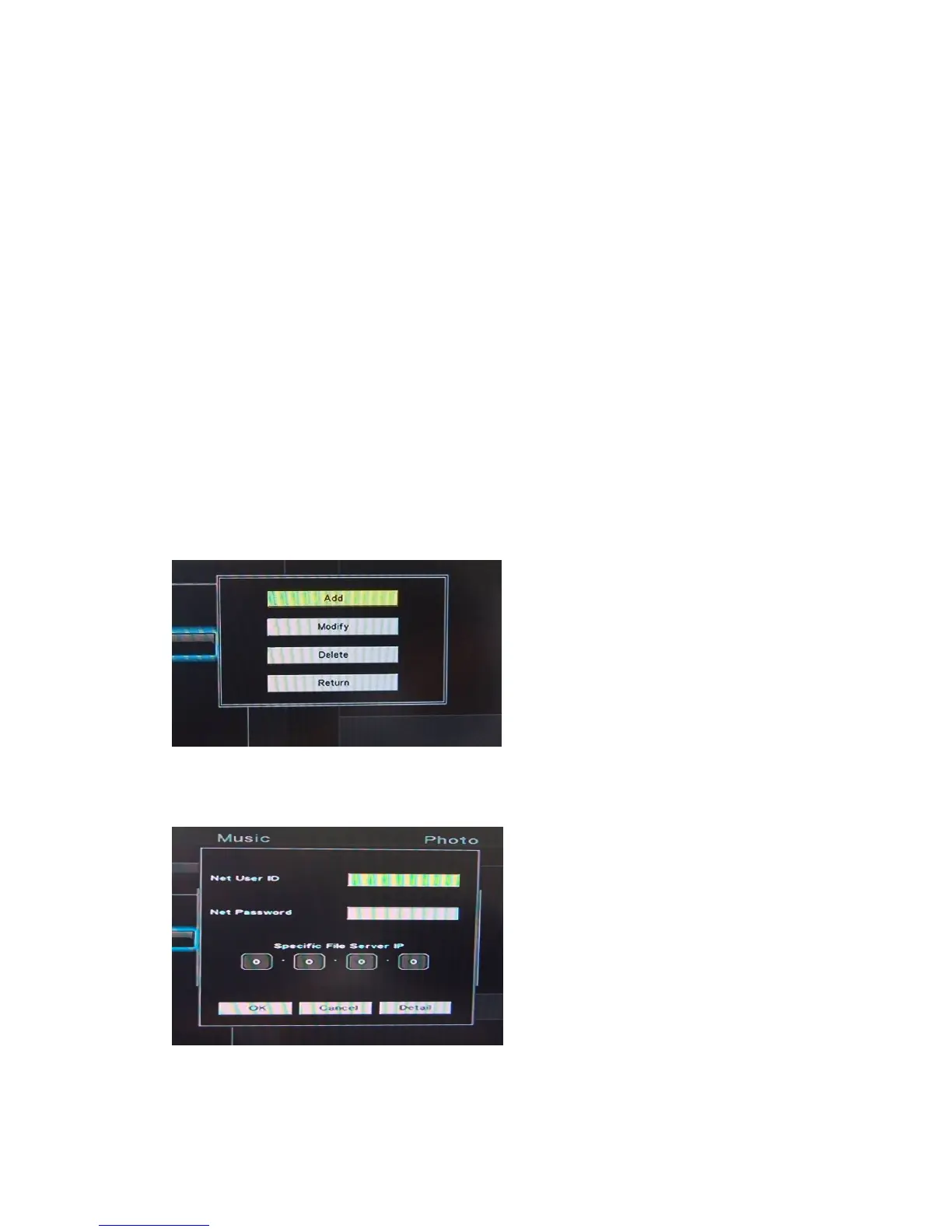
Press the OPTION button on the remote control to enter the setup interface.
Select “Add” to create a new link for computers that have enabled network
share.
Enter the User ID and password of the appointed folder, and select YES to
complete the setup.


 To Next Page