Cyclone MKV 2 Multimedia Enclosure
Page 51.
Version 1.2
Default setting for this field is NO.
Note: If this setting is set to “YES,” only the
initial .torrent file is deleted. The actual
downloaded file itself will still be stored in the
player.
Simultaneous Settings:
Max Simultaneous Downloads This setting configures the number of
downloads that can be run simultaneously.
Default setting for this field is 4.
Click on the “Save Setting” button to save any changes made and return to
the BitTorrent Download page.
Clicking on the “Return” button will return you to the BitTorrent download page.
Visit Neighbour:
The visit neighbour page allows you to access files from the player’s local
HDD.
Upon entering the visit neighbour page, depending on whether login controls
are activated you will be asked to enter a username and password.
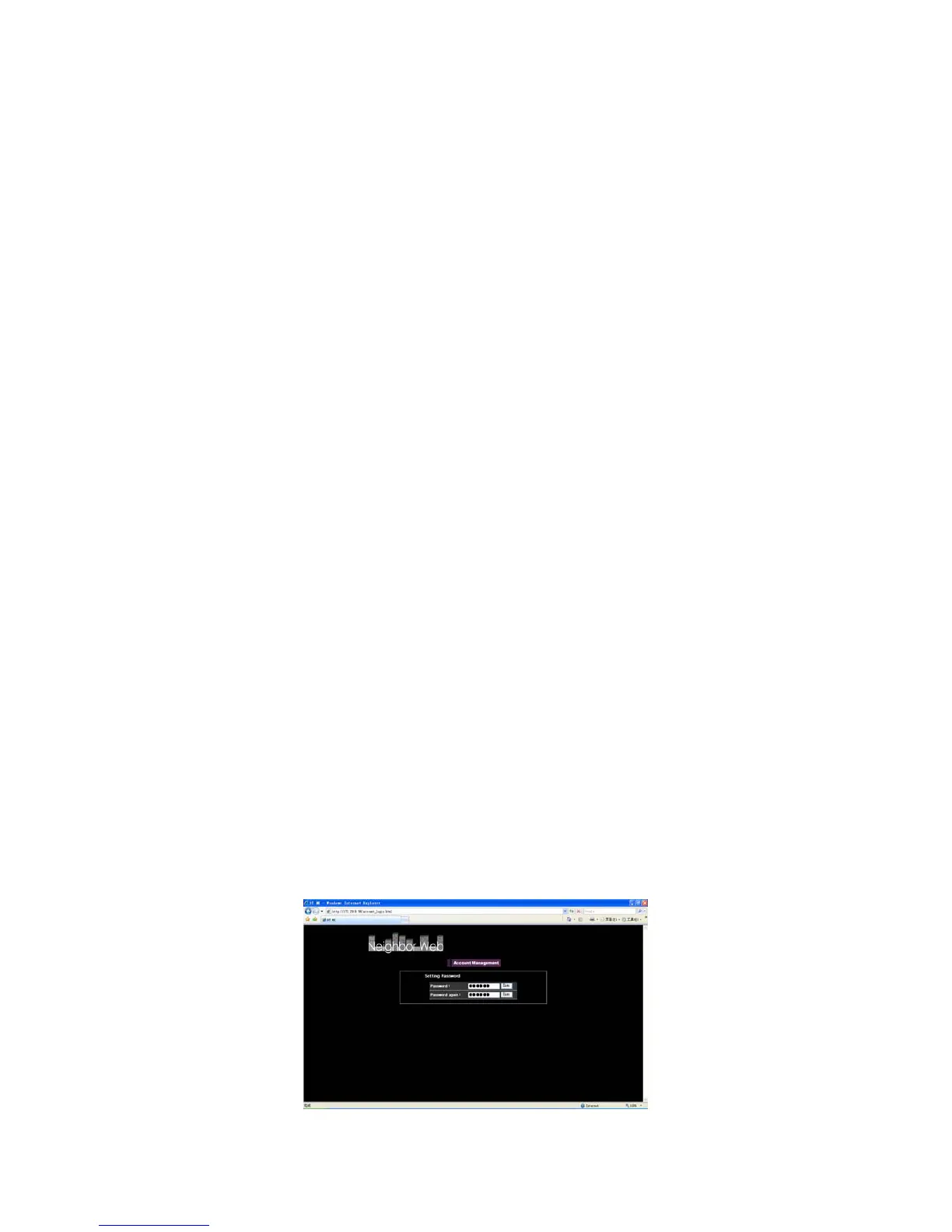
Account Management:
This section allows you to change the login password.
The default username and password are as follows;
Username admin
Password 123
To change your login password, enter your new password into the “Password”
and “Password Again” fields.


 To Next Page