Cyclone MKV 2 Multimedia Enclosure
Page 28.
Version 1.2
When you have located the audio file you wish to play, highlight it. On the
right side of the screen you will be given a preview of the audio file’s tag
information. Tag information depth may vary from file to file, but may include
Title, Artist’s Information, Album Art, amongst others.
Audio Playback Options:
During playback, there are a number of options to choose from.
Pressing PAUSE/STEP will pause the audio file. Pressing PLAY will resume
audio playback.
Pressing the FF button will speed up audio playback. Pressing it repeatedly
will increase playback speed up by X1.5, X2, X4, X8, X16 and X32.
Pressing the FR button will rewind audio playback. Pressing it repeatedly will
increase rewind speed by X1.5, X2, X4, X8, X16 and X32.
Pressing the MUTE button will switch off sound from audio playback. Pressing
it again will switch on sound again.
Pressing NEXT will jump to the next page on the list
Pressing the PREV button will jump to the previous page on the list.
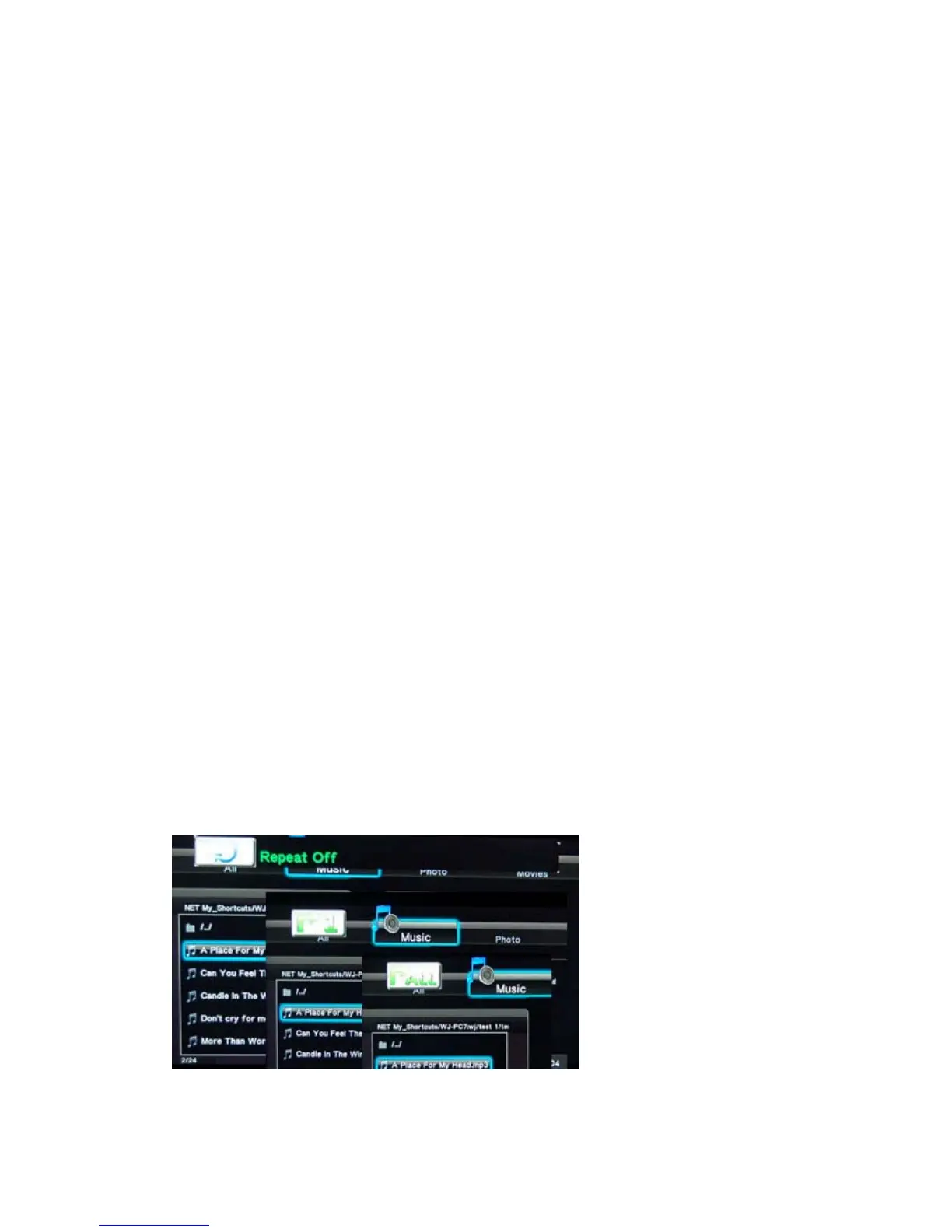
Pressing the REPEAT button will cause the file to repeat playback after it has
finished playing. Pressing it repeatedly will cycle through several repeat
options.
Repeat 1: The file currently playing will repeat continuously.
Repeat ALL: All files in the current folder/directory will replay
continuously.
Repeat Off: Cancels all repeat operations.


 To Next Page