Cyclone MKV 2 Multimedia Enclosure
Page 44.
Version 1.2
This function allows you to start or stop BitTorrent and Samba services.
BitTorrent and Samba services can be activated or deactivated by selecting
ON or OFF.
System Update:
This function shows the software/firmware version currently installed on the
player and allows a user to update the Cyclone MKV 2’s firmware.
HDD Format
This function allows you to format the HDD.
Restore Default:
This function allows you to restore the Cyclone MKV 2 to its original default
factory settings.
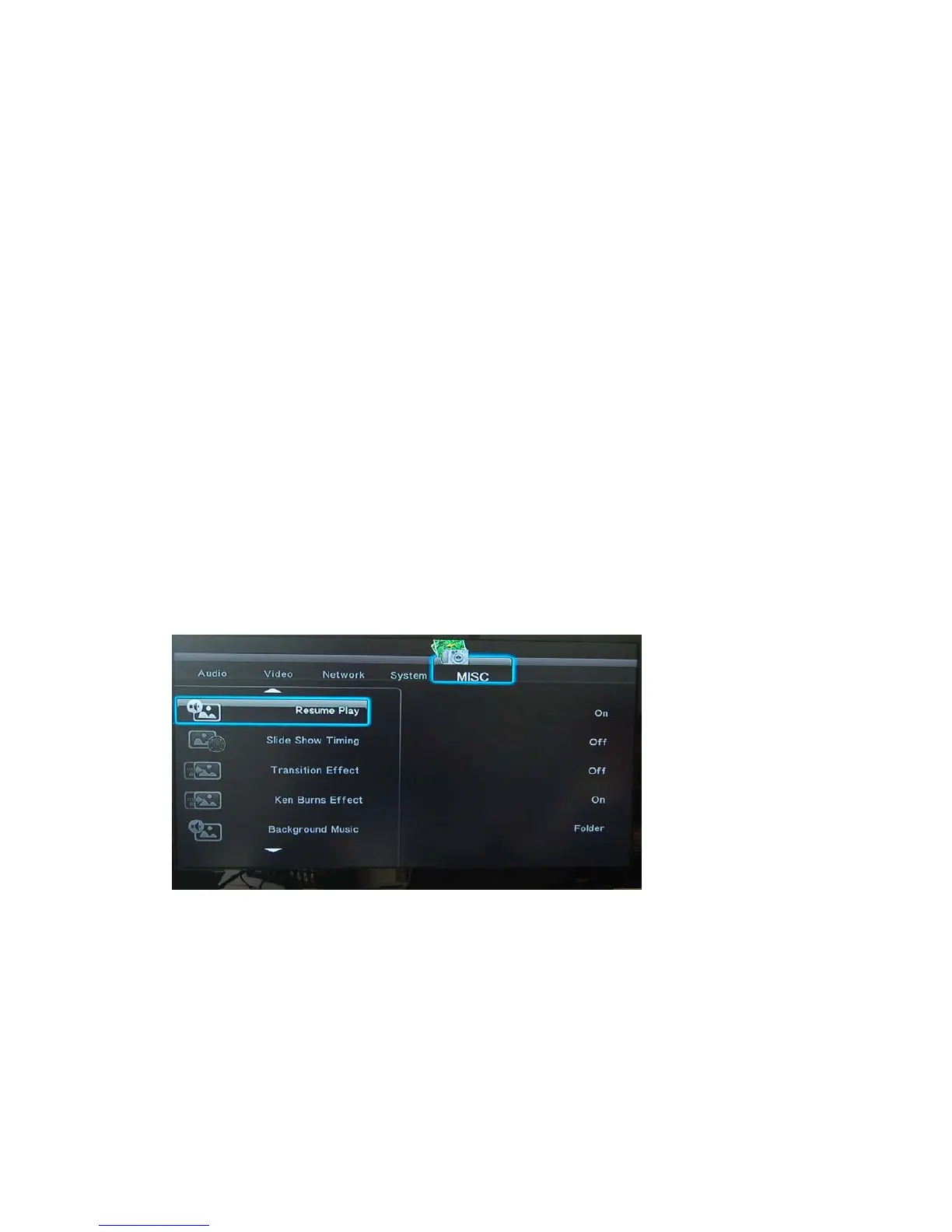
MISC Settings Menu:
This menu provides access to the media player’s miscellaneous configuration
settings.
Resume Play:
When this function is activated, the Cyclone MKV 2 will record the last
location where the movie was stopped. When the movie is played again it will
ask whether you wish to continue from where the movie was stopped.
This function can be activated and deactivated by selecting ON or OFF.
Slide Show Timing:


 To Next Page