Cyclone MKV 2 Multimedia Enclosure
Page 26.
Version 1.2
Pressing the ZOOM button will activate zoom mode. Pressing the zoom
button repeatedly will change zoom levels to 2X, 3X, 4X and 8X.
Pressing the AUDIO button during playback will allow you to select the audio
options.
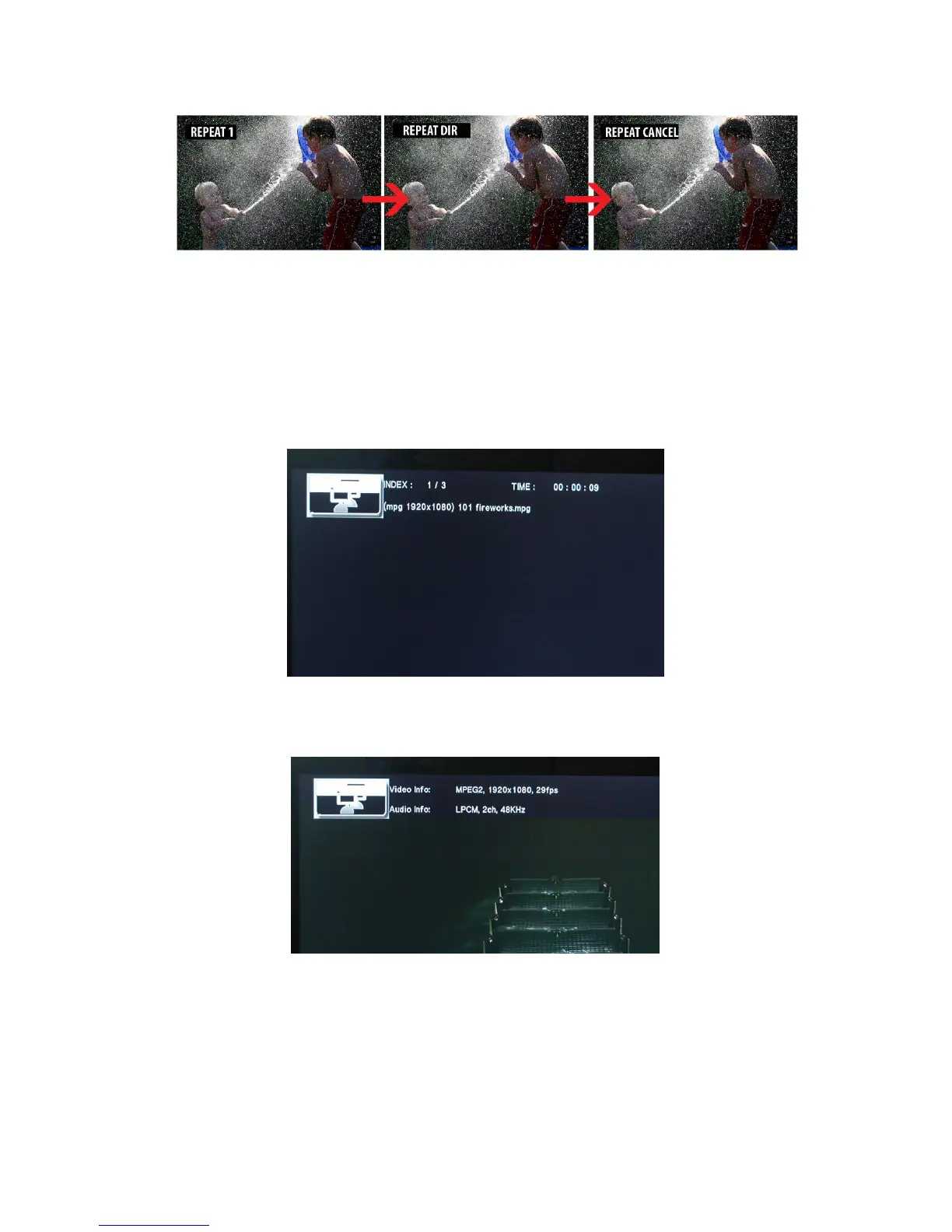
After pressing the INFO button, the following menu will appear.
Pressing the INFO button again, the following menu will appear providing
detailed information on the current file playing.
After pressing the GOTO button you will be able to jump to any part of the
movie by typing the desired time into the given fields.


 To Next Page