EM6910 Café Series Espresso Machine Issue: A Page 23 of 48
Adjust pump rate of steam water pump
• Switch OFF unit by pressing POWER button.
• Hold down Memory button (must be held down when in temperature setting
mode).
• Switch On unit by pressing POWER button.
• The unit will go into pumping rate setting mode.
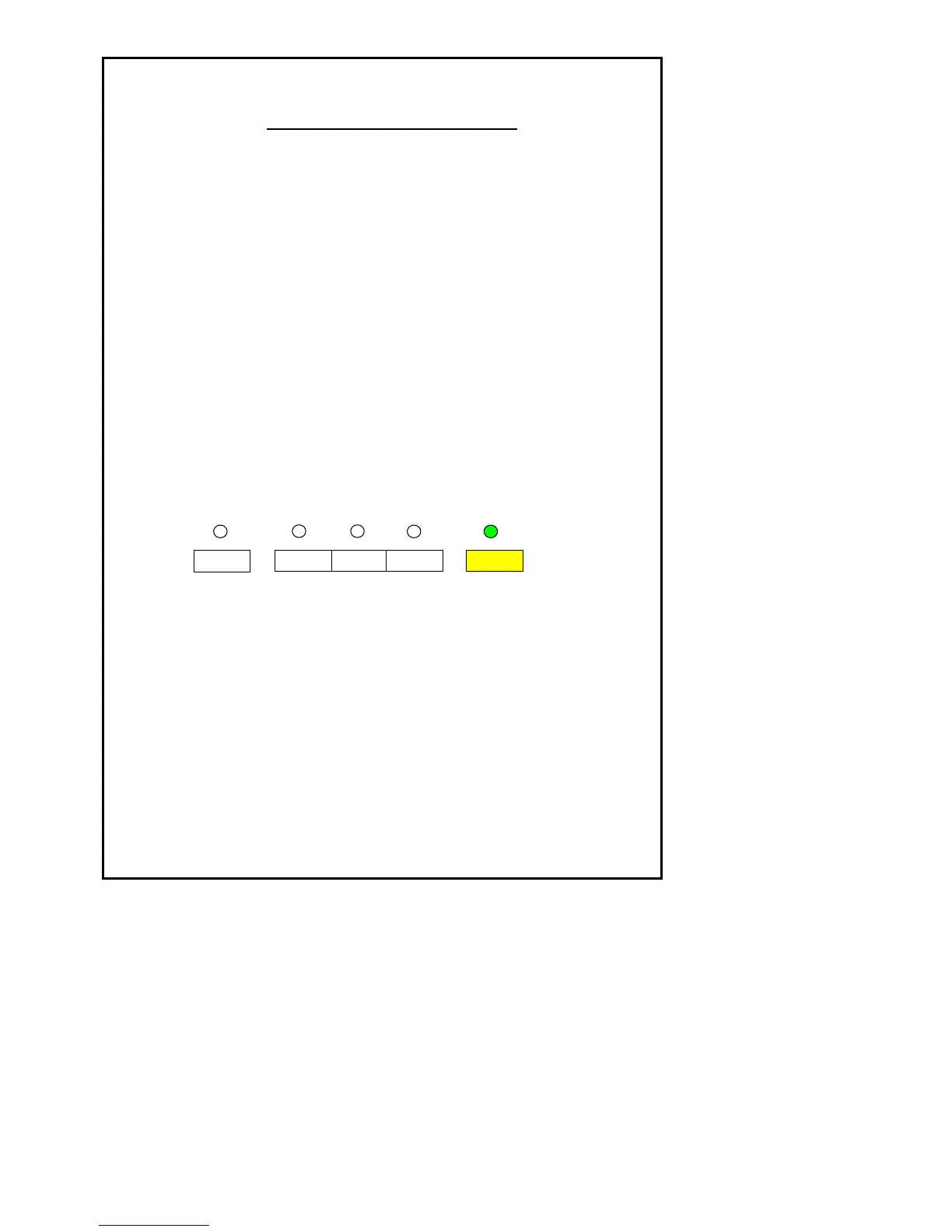
• In the setting mode, setting function is indicated by Memory green LED.
• In the setting mode, pressing any other buttons will set the temperature lower
relatively to the location of Memory button
• The setting shall be indicated by the selected LED.
Pumping rate of the steam water pump setting is below:
• When finished release the Memory button, two beeps sound to indicate the
steam water pump pumping rate is set. The unit will go into starting mode.
• The setting shall be stored in E
2
PROM.











 To Next Page