EM6910 Café Series Espresso Machine Issue: A Page 21 of 48
Advanced Programming Options
Coffee Block Temperature Adjusting
1. Switch off the Coffee Maker.
2. Activate and hold “One Cup” button.
3. Activate and release the “Power” button.
• The “One Cup Light” shall remain “ON”.
4. Then release the “One Cup” button.
• The “One Cup Light” shall remain “ON” for 0.2 seconds after the
“One Cup” button is released).
• After the “One Cup Light” goes out as above after 0.2 Seconds
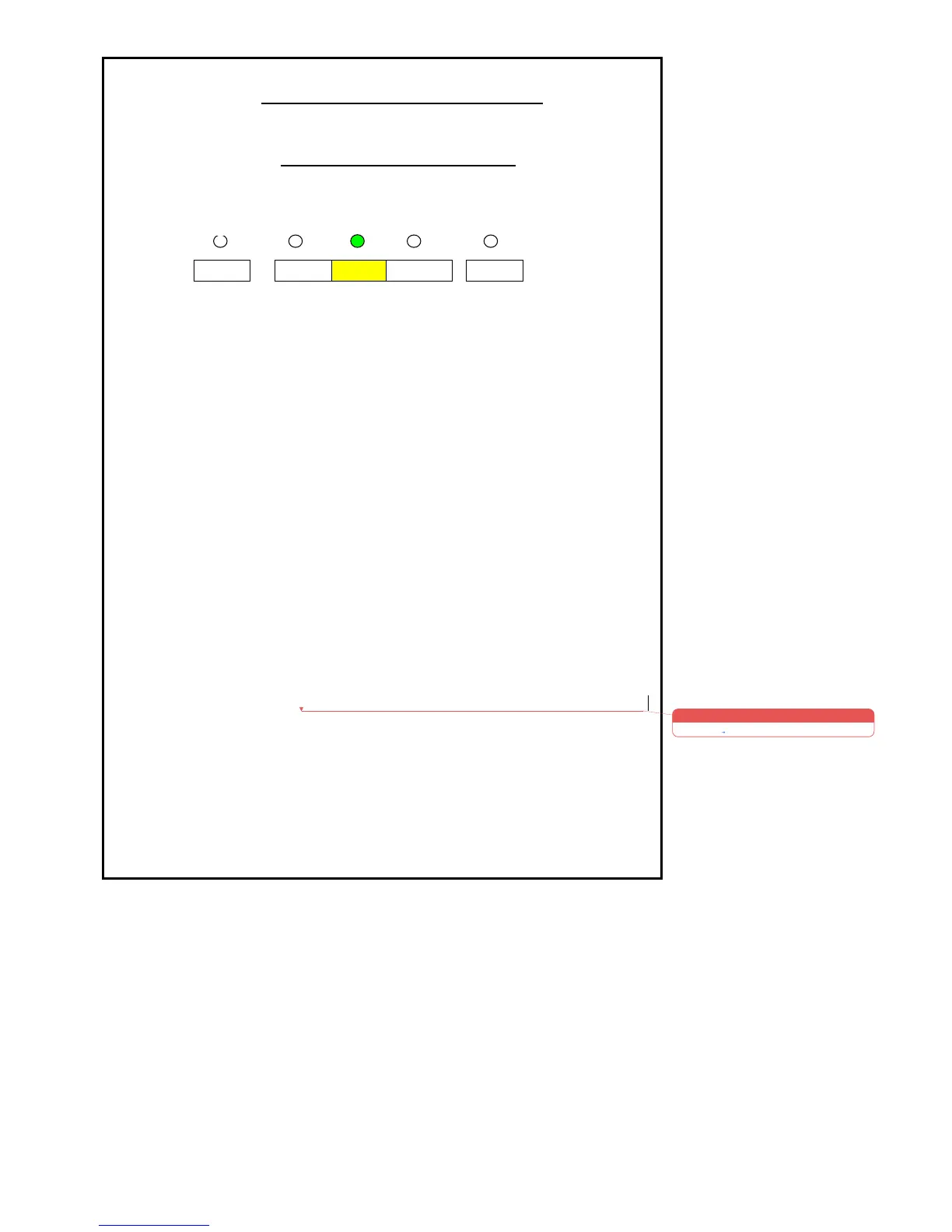
the previous setting will be displayed by one of the 5 Lights, this
will be indicated up to 5 seconds before automatically returning
to the Factory Setting if no action is taken.
5. Within 5 seconds press and release the required button by referring to
the sketch above to increase or decrease the Coffee Block
Temperature.
• The new setting will now be indicated by the LED being
illuminated on the pre-activated button.
• To indicate that the setting has been changed correctly the Light
will flash and 2 beeps sound.
• The Coffee Maker will now go into start mode.
• If no push button is pressed within 5 seconds, the setting shall
return to the factory setting. Six beep sounds shall be given to
indicate the finish of the setting change. During the beeping
period, one cup LED shall flash. Unit goes to starting mode.











 To Next Page