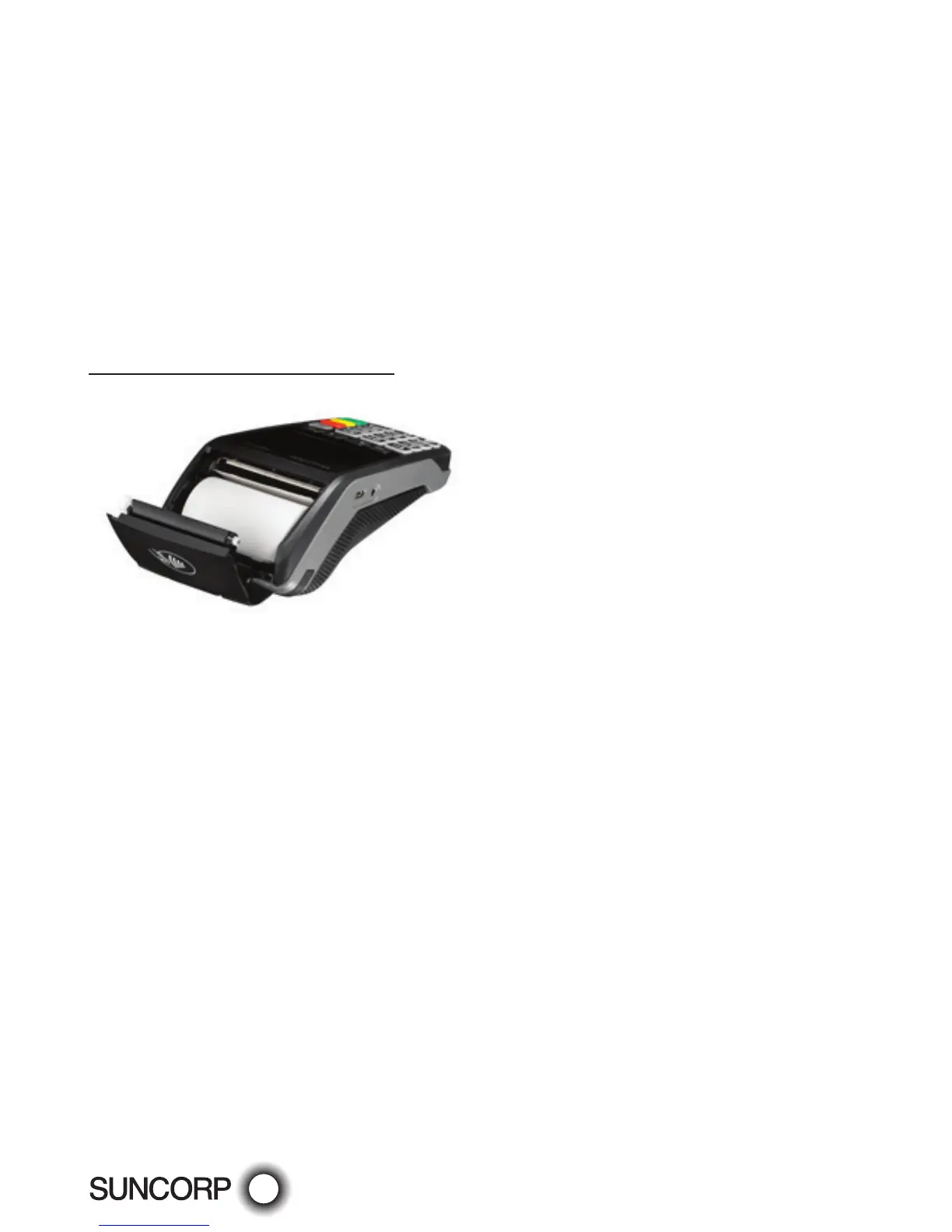
Replacing the Paper Roll
Before you can process transactions that require a receipt or record, you must install paper in
theprinter.
The EFTPOS terminals use a roll of single-ply, thermal-sensitive paper.
A pink out-of-paper indicator line appears on the edge of the paper approximately 18 inches
before the end of the roll. After this line appears, there is enough paper remaining on the roll
to conclude at least one transaction.
CAUTION: Store thermal paper in a dry, dark area. Handle thermal paper carefully: impact,
friction, temperature, humidity, and oils affect the colour and storage characteristics of the paper.
Countertop (Move2500) terminal
— Open the paper compartment by lifting the catch located at the rear of the terminal and
pull the cover to the rear of the terminal.
— Insert the paper roll in the compartment.
— Pull the paper up to the top of the terminal and hold it in this position.
— Maintain the paper and close the lid.
— Press simultaneously on both upper corners of the paper flap, until it clips in position.
—


 To Next Page