6 LCD Menu Operation Operation Manual
22
Step 4
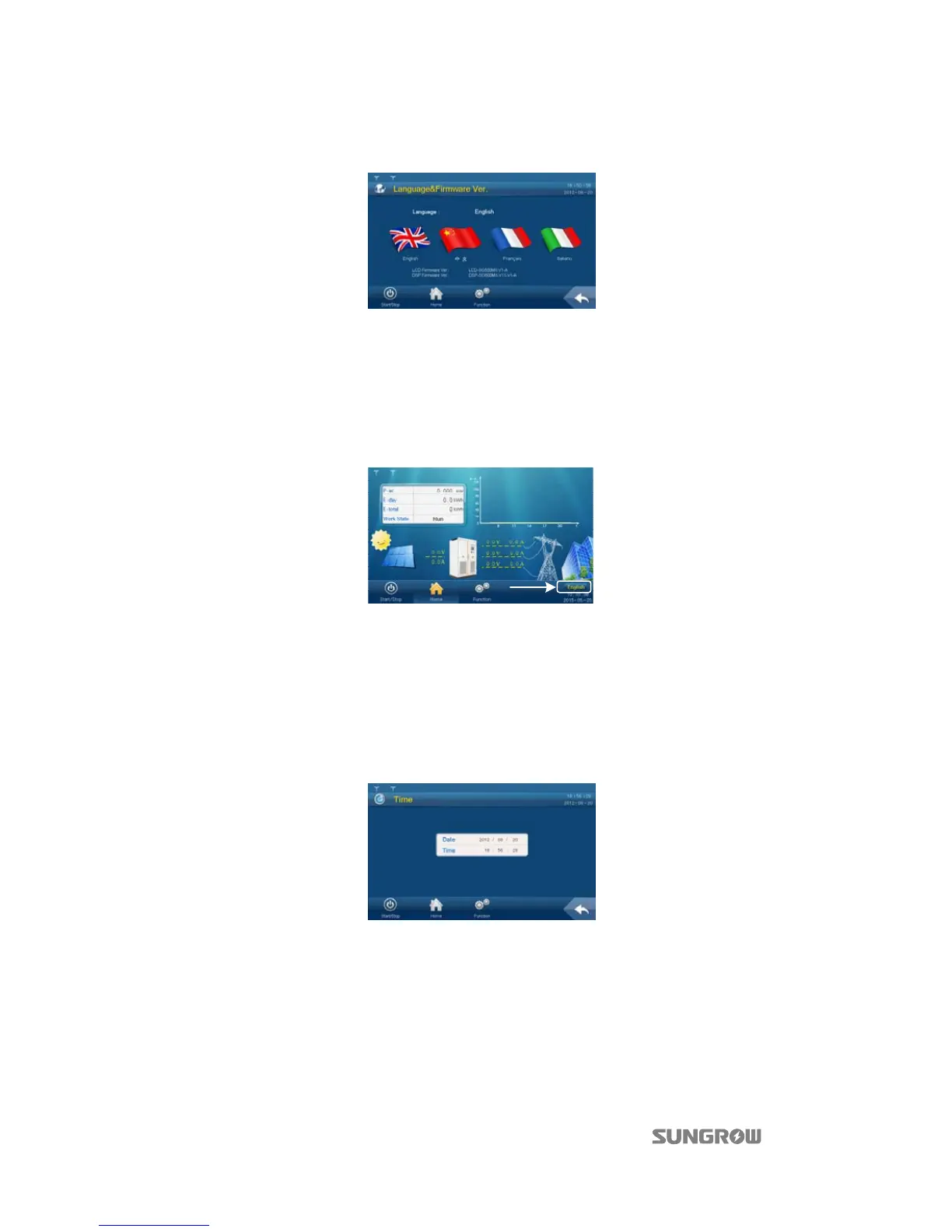
Tap “Language & Firmware Ver.” and enter into the language and firmware version sub-menu;
Step 5 Select the target language.
Shortcut
The language setting shortcut (A) is at the lower right side of the Home menu. Select either
language by tapping the language button.
By tapping the button, the language will switch among English, Chinese, French and Italian.
Language on the button is the present display language of the display.
A
6.6 Date and Time Setting
Step 1 Tap “Function” from the default menu;
Step 2 Tap “Set-parameter”;
Step 3 Tap “Sys-parameter” after entering the correct password;
Step 4 Tap “Time” and enter into the date and time setting sub-menu;
Step 5 Set the “Year”, “Month”, “Date”, “Hour”, “Minute” and “Second”. Tap the corresponding cell and the
keypad will appear;
Step 6 Set the time and date by tapping the keypad and confirm setting by Tapping “Enter”.
6.7 Running Information Checking
Running information contains all data pertinent to the inverter operation:



 To Next Page