Operation Manual 8 Inverter Functions
35
8.2.2 How to Realize Power Limitation
Improper parameter configuration may affect the normal operation of the inverter!
Only authorized personnel can configure these parameters.
Should any question or doubt occurs, please contact Sungrow.
User can adjust the active power output through the LCD display:
Step 1 Tap “ Function” from the default menu;
Step 2 Tap “Set-parameter”;
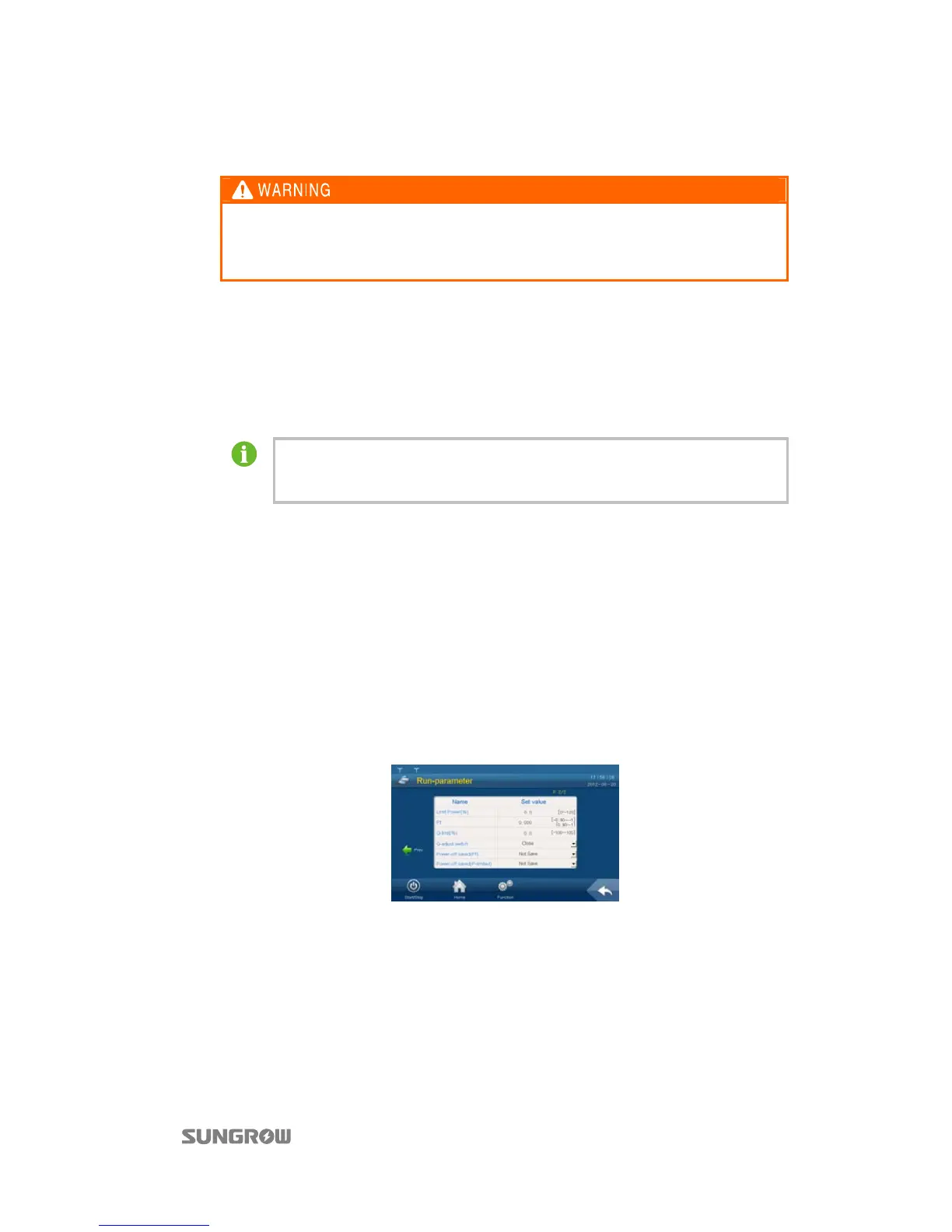
Step 3 Tap “Run-parameter” after entering the correct password;
Step 4 Set the “Limit Power (%)” parameter by tapping the pop-up keypad;
Step 5 Tap “Enter” to confirm setting.
Parameters related to power limitation (P-rise rate (%/s) and P-decline rate (%/s)) are
also included in the running parameter setting sub-menu and can be set
accordingly.
8.3 Reactive Power Adjustment
Inverter can provide reactive power output. User can open or close the reactive power
adjustment switch and set the reactive power output through the LCD screen.
Reactive power limitation is performed through the running information sub-menu as follows:
Step 1 Tap “Function” from the default menu;
Step 2 Tap “Set-parameter”;
Step 3 Tap “Run-parameter” after entering the correct password;
Step 4 Turn the page down to select the “Q-adjust switch”. Tap the pull-down list and there are three
options:
Close: reactive power cannot be adjusted
Pf: adjust the reactive power by setting power factor
Q-limit: adjust the reactive power by setting reactive power percentage
Step 5 If Pf is selected, the power factor can be set in the “Run-information” sub-menu; if “Q-limit” is
selected, the “Q-limit (%)” can be set in the “Run-information” sub-menu.



 To Next Page