Operation Manual 6 LCD Menu Operation
27
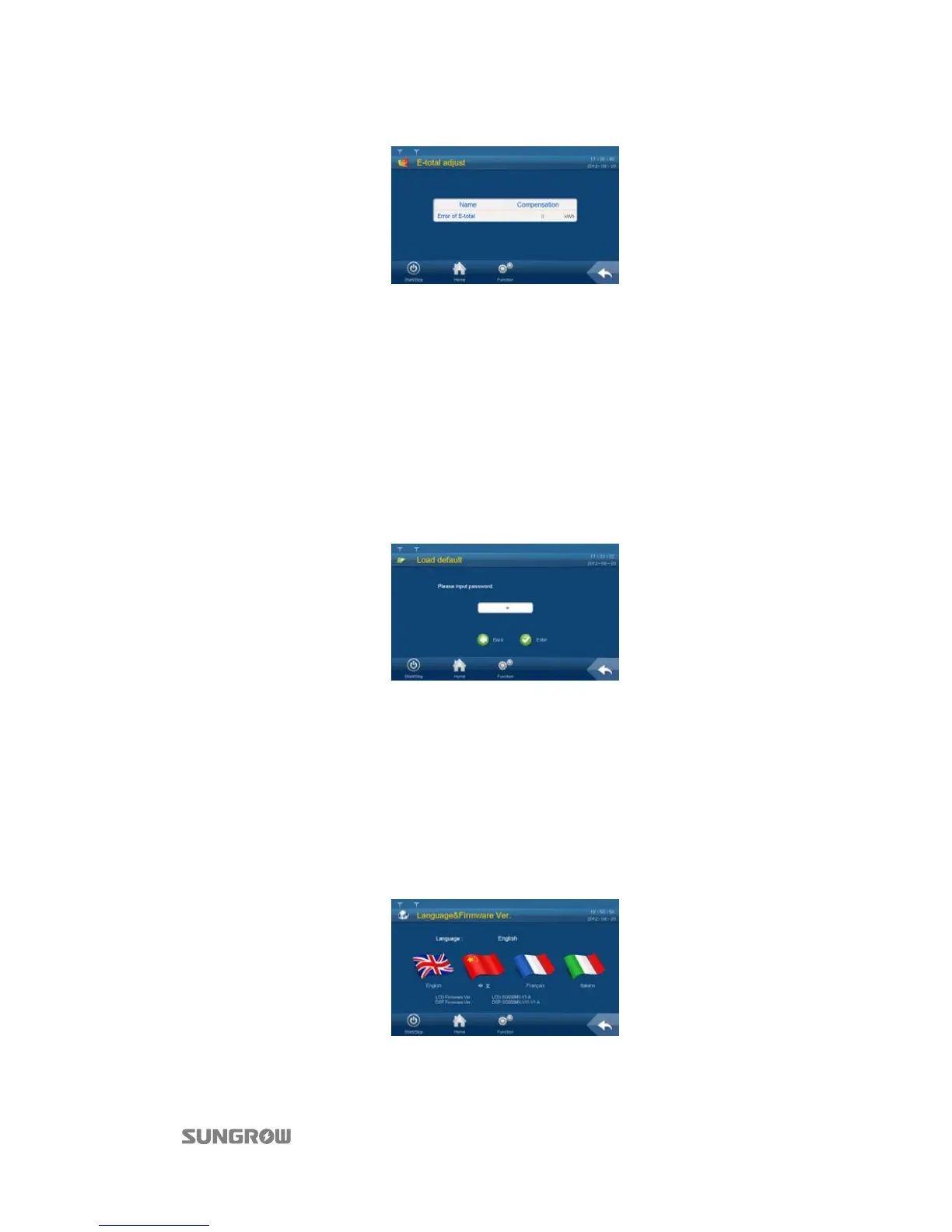
Tap the cell below the “Compensation” and the keypad appears. Enter the energy compensation
by tapping the keypad;
Step 5 Tap “Enter” to confirm the setting.
6.12 Load Default
Proceed as follows to perform the load default:
Step 1 Tap “Function” from the default menu;
Step 2 Tap “Set-parameter”;
Step 3 Tap “Sys-parameter” after entering the correct password;
Step 4 Tap “Load default” and the password inputting window appears;
The password is “1111”. The system will be reset after entering the password.
6.13 Firmware Version Checking
User can view the firmware version of LCD and DSP as follows:
Step 1 Tap “Function” from the default menu;
Step 2 Tap “Set-parameter”;
Step 3 Tap “Sys-parameter” after entering the correct password;
Step 4 Tap “Language & Firmware Ver.” and enter into the language and firmware version sub-menu;
Step 5 The firmware version of LCD and DSP is shown at the bottom of the page.



 To Next Page