6 LCD Menu Operation Operation Manual
24
alarm.
6.8.1 History Event Checking
Step 1 Tap “Function” from the default menu;
Step 2 Tap “History-information” and enter into the history information sub-menu;
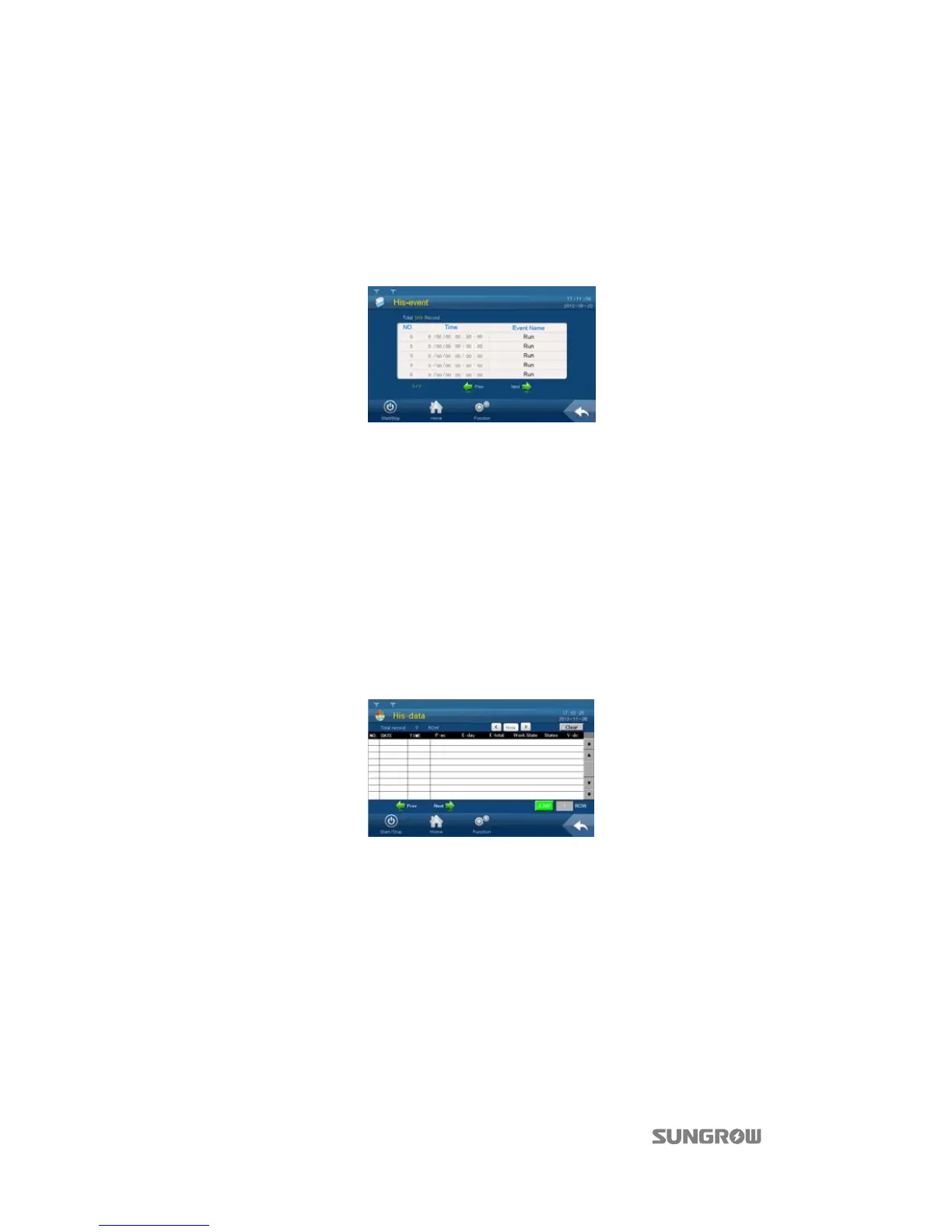
Step 3 Tap “His-event” and enter into the history event sub-menu.
Up to 100 history events can be viewed from this sub-menu, with up to 5 records can be
shown in one page. The upper left side of the event table is the total number of the current
event records. Tap “Prev” or “Next” to turn pages up or down.
6.8.2 History Data Checking
System can record the inverter running information for the latest 90 days with the records
updated every 15 minutes.
History data displays the data related to the power yields and the electric quantity of the inverter.
Proceed as follows to check the history information:
Step 1 Tap “Function” from the default menu;
Step 2 Tap “History-information” and enter into the history information sub-menu;
Step 3 Tap “His-data” and enter into the history data sub-menu.
Tap “Prev” or “Next” to turn pages up or down.
6.8.3 History Fault Checking
When a fault occurs, user can view the fault via the LCD screen and the history fault records as
follows:
Step 1 Tap “Function” from the default menu;
Step 2 Tap “History-information” and enter into the history information sub-menu;
Step 3 Tap “His-fault” and enter into the history fault sub-menu.



 To Next Page