11
ADJUSTMENTS GUIDE
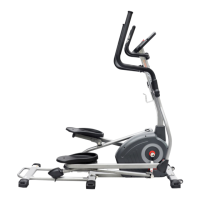
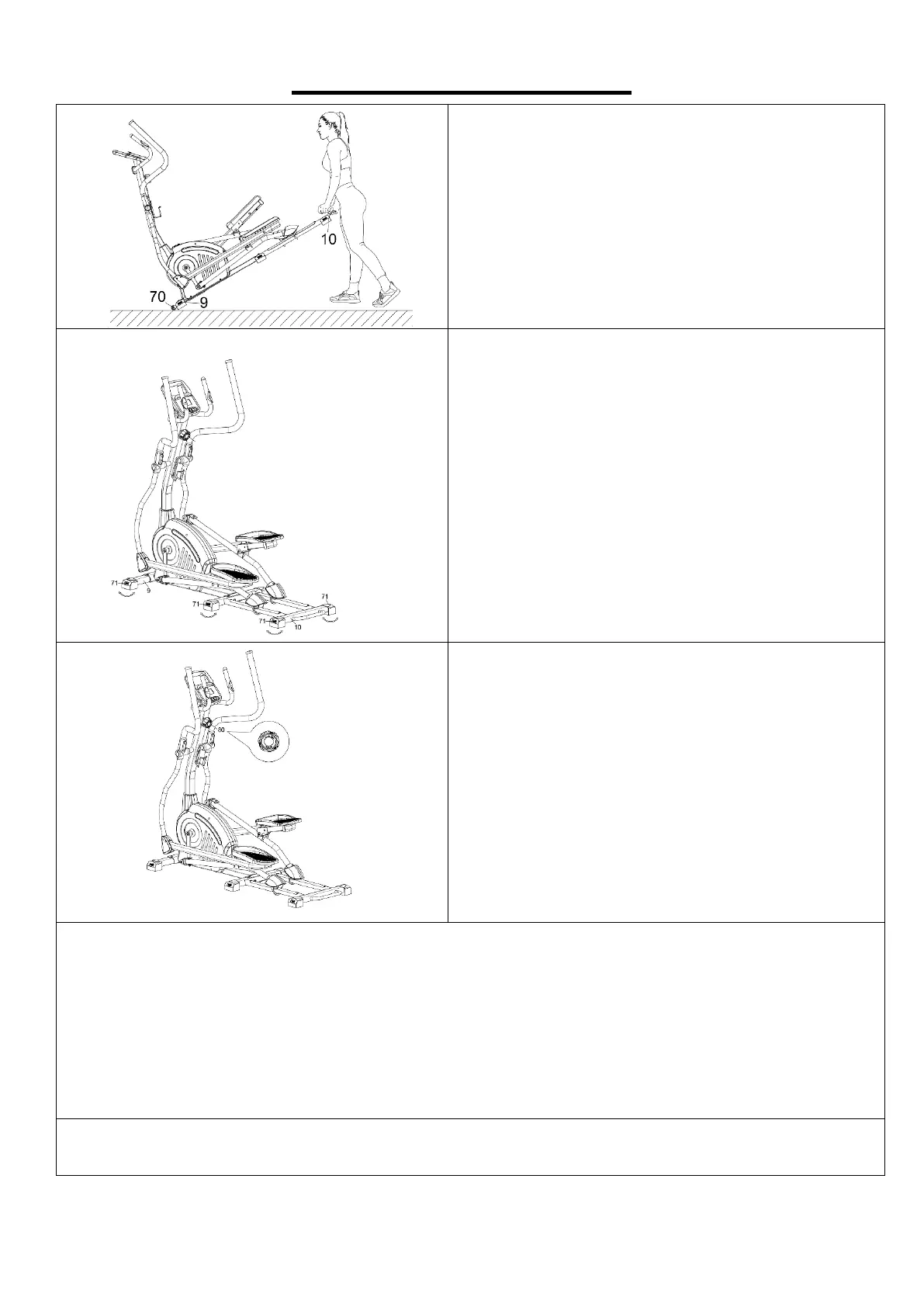
MOVING THE ELLIPTICAL BIKE
Hold the Rear Main Frame (No. 10)
upward to lift the rear of the elliptical off the floor
until the Transportation Wheels (No. 70) on the
Front Stabilizer (No. 9) touch the ground. Now you
can move the elliptical with ease.
ADJUSTING THE BALANCE
In order to achieve a smooth and comfortable ride,
you must ensure that the elliptical
secured. If you notice that the elliptical is
unbalanced during use, you should adjust the 6
Adjustable End Caps (No. 71)
Front Stabilizer (No. 9) and Rear Main Frame
Rear Main Frame (No. 10) until the elliptical
becomes levelled with the floor surface.
ADJUSTING THE TENSION
Adjust the tension by rotating the Tension Control
Knob (No. 80) clockwise
resistance. Rotate the Tension Control Knob (No.
80) counter-clockwise
resistance.
Tension levels are set at Level 1 being the lowest
and Level 12 being the highest.
CLEANING
The elliptical can be cleaned with a soft, clean, damp cloth. Do not use abrasives or solvents on
plastic parts. Please wipe your perspiration off the elliptical after each use. Be careful not to get
excessive moisture on the computer display panel as this might cause e
electronics to fail. Please keep the elliptical, especially the computer, out of direct sunlight to prevent
screen damage. Please inspect all assembly bolts and pedals on the elliptical for proper tightness
STORAGE
Store the elliptical in a clean and dry environment, away from children.


 To Next Page
 Loading...