11
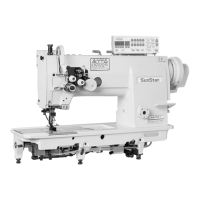
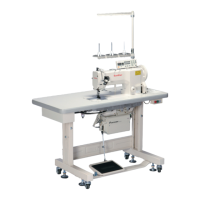
7) Installation of thread stand
As shown in “Figure 7”, assemble the thread stand①,
insert it in the table hole, and use the fixed nut② and
washer③ to fix it.
[Figure 7]
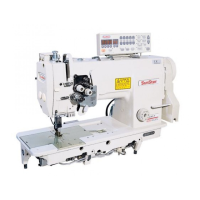
6) Installation of belt cover
A. Set the groove at the bottom of belt cover “A”① to be
aligned with the groove of the head of the belt cover
supporting screw②, and insert the cover into the groove.
Use the belt cover fixing screws ③ (2EA) to fix the
cover to the body of the machine.
B. Insert the belt cover “B”② into the belt cover “A”①
while maintaining the balance. Use the belt cover fixing
screws (3EA) to fix the belt covers to the body of the
machine.
[Figure 6]
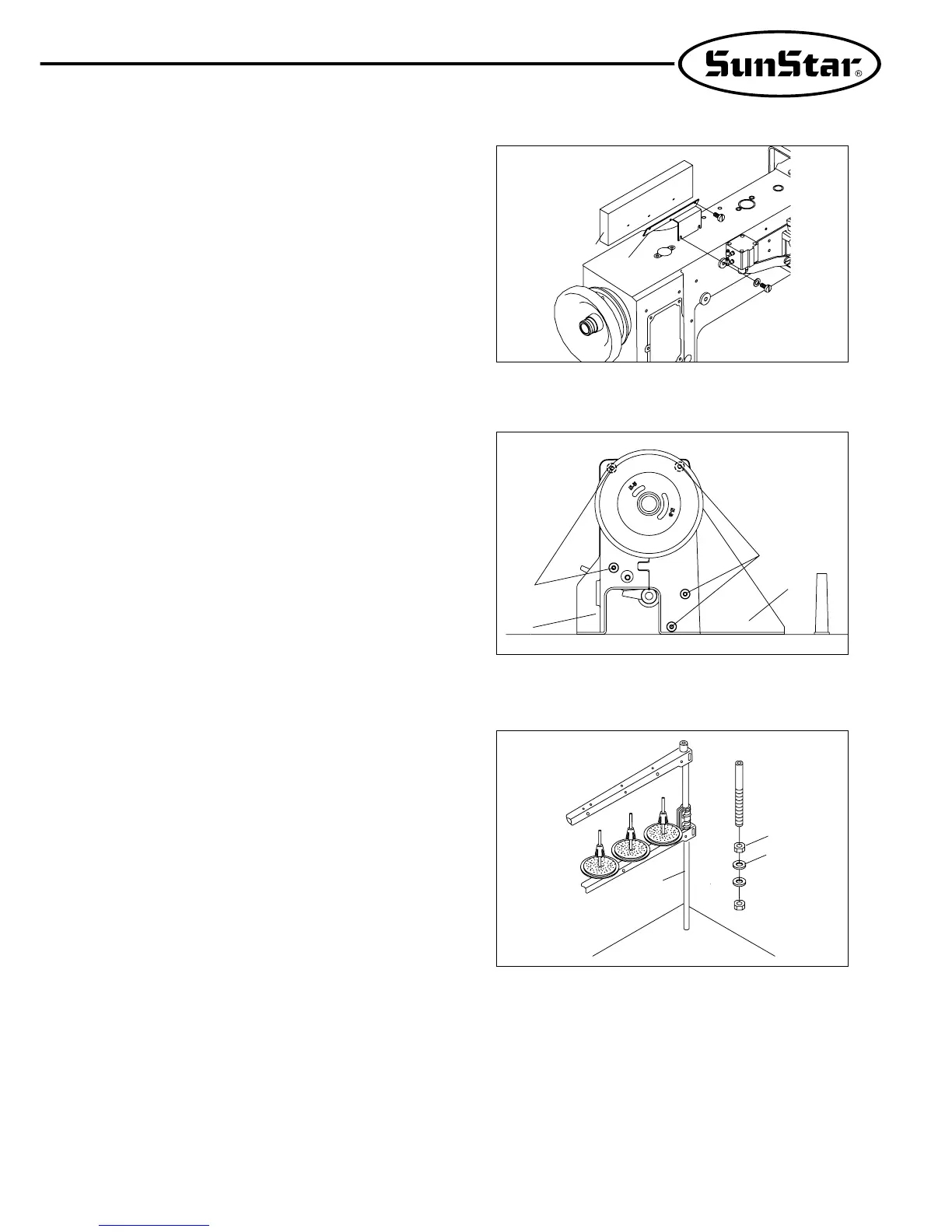
5) Installation of program unit (Trimmer Type)
A. Use 4 fixed screws③ to fix the bracket ② on the
program unit①
B. In the program unit①, use two fixed bolts ④ to tightly
fix the assembled brackets②.
[Figure 5]
③
①
②
④
①
②
③
④
①
②
③


 To Next Page