Questions? Call or Text +1-801-658-0015 • 3
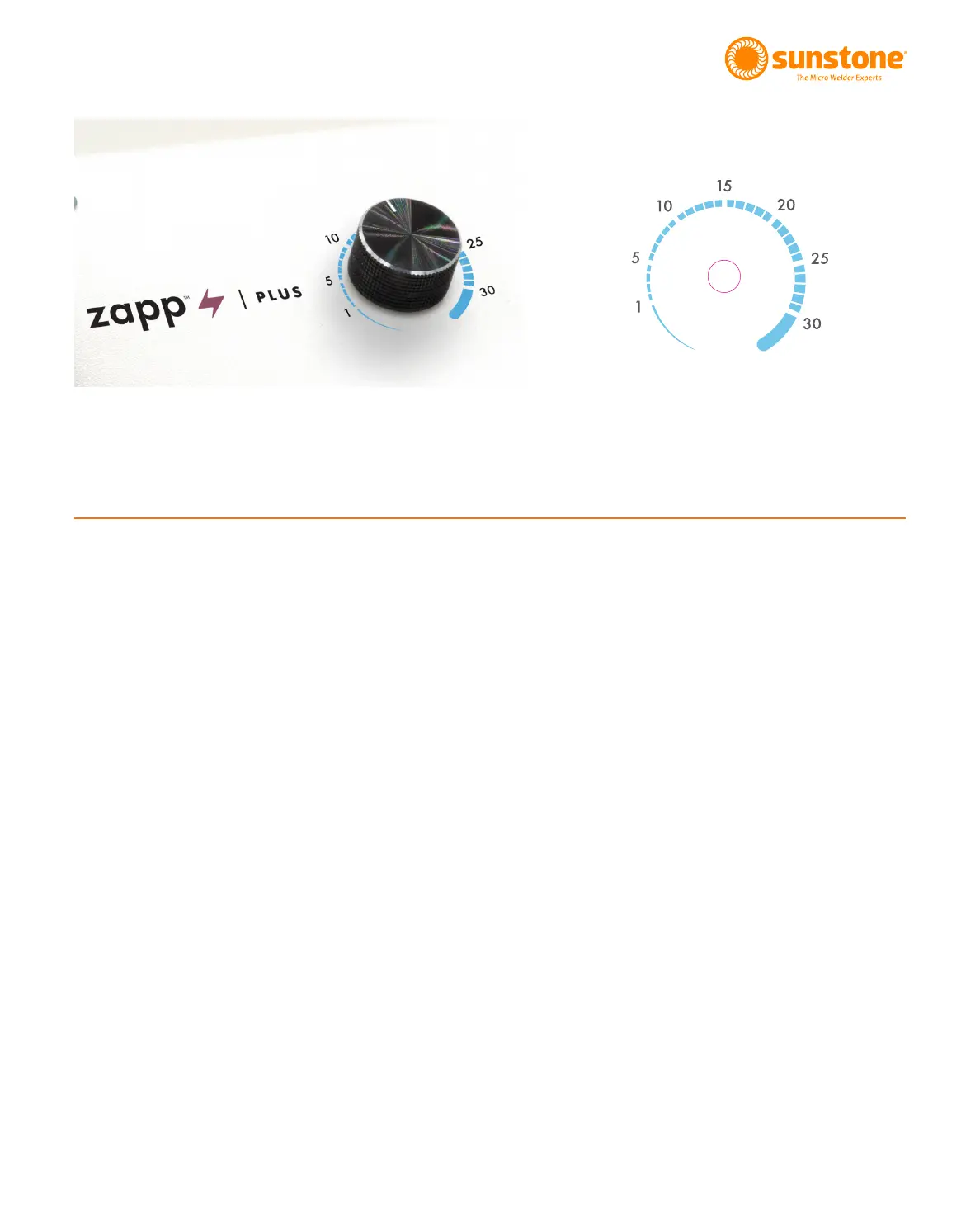
The Zapp Plus dial is very user friendly. Users have access to every welding parameter with one easy-to-use
dial.
Weld Energy Level
The Zapp Plus has weld energy range of 1 to 30 Joules (or Ws), which is selected in one joule increments. The
larger the number the more energy released through the electrode and, generally speaking, the larger the weld
spot.
When the Zapp Plus is initially powered on it is ready to weld. A small green light in the upper left corner, near
the knob, will illuminate when the Zapp Plus is ready to weld.
The Dial
As you twist the dial to the right, the Weld Energy Level will increase 1 Joule. 3 = 3 Joule, 4 = 4 Joules, etc.
Pointing the arrow on the dial directly at the number will give the most accurate power reading.
Light Blink
When the small LED light blinks, the Zapp Plus is changing energy. As the knob is turned up or down this blink
indicates a change in weld setting.
welding plate. After careful setup and familiarization of how the welder operates, follow these instructions using
the welding plate.
Figure 3.1. The dial and it’s settings.
How To Use the Dial















 To Next Page