Page | 40
5.12. Battery Discharge Page
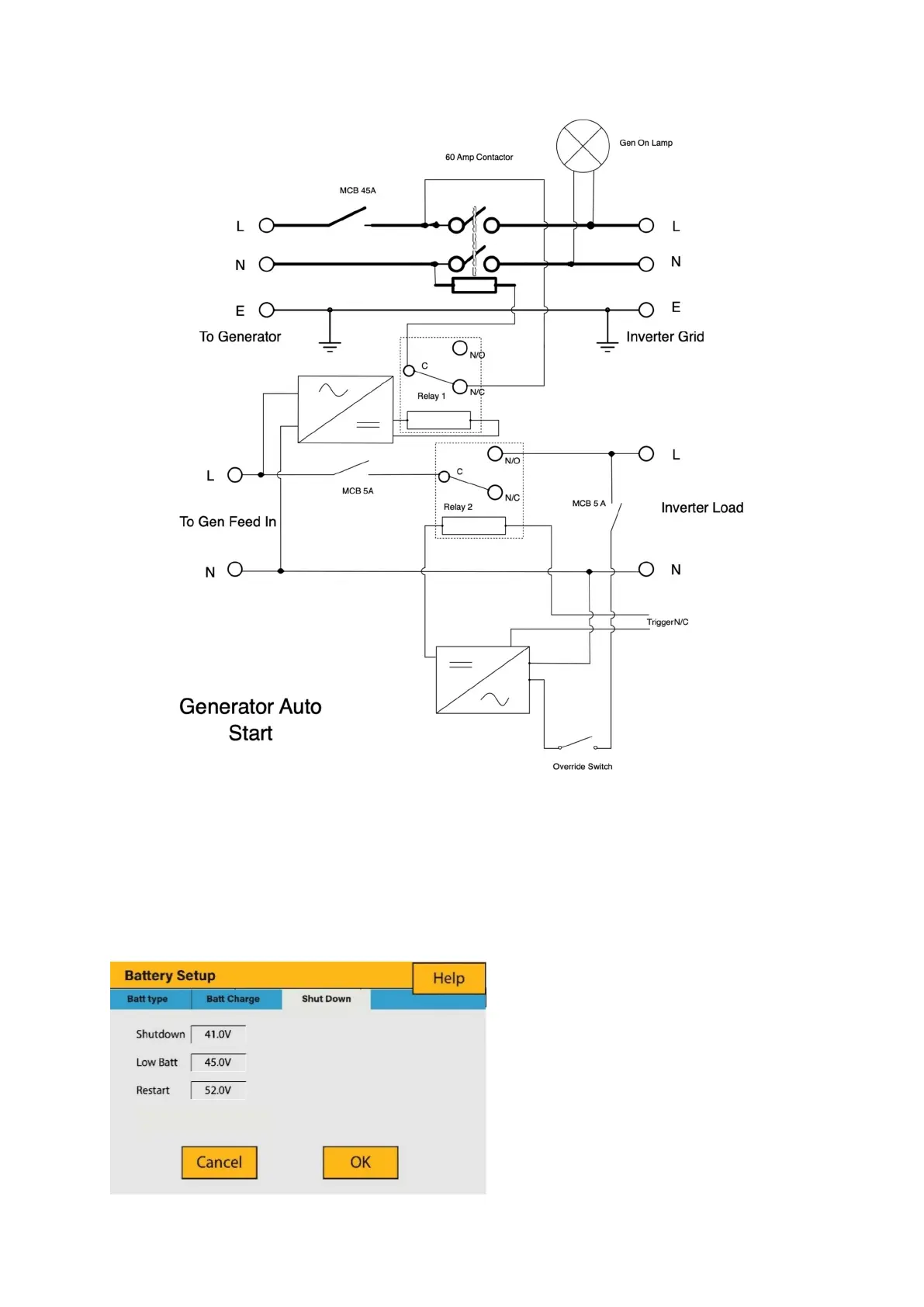
To configure inverter’s shutdown settings, click on the BATTERY icon and then on
‘Shut Down’.
What this page displays:
Inverter shutdown voltage set as
either a voltage or %.
Inverter low battery warning set
as either a voltage or %.
Restart voltage set as eithera
voltage or %.








 To Next Page