Operation
NT 10000...NT 12000 71
Use Read to display the settings currently stored in the Solar Inverter.
With Modem Test you can test the modem connection to the set Internet provi-
der. You will receive feedback as to whether dialling in was successful.
Click About to obtain additional information about the modem.
Click Initialise to re-initialise the modem.
NOTE
Before conducting the modem test, the settings must be stored in the Solar
Inverter with Send.
For example, you can select inexpensive dial-in numbers for Internet provi-
ders at www.teltarif.de/internet or www.billiger-surfen.de. Here you will
find not only tariff information, but also the access data (phone number,
user name, password).
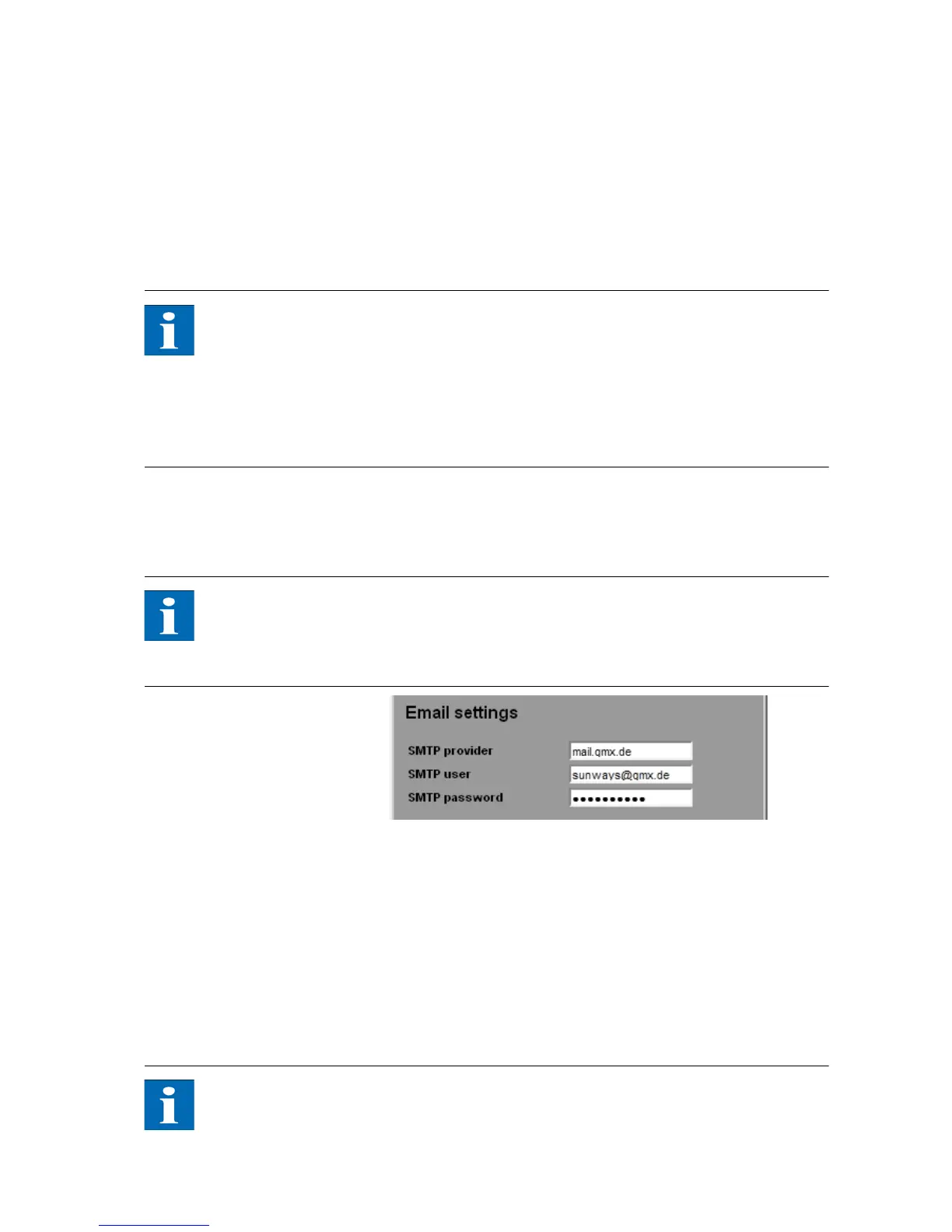
E-mail settings In order for the Solar Inverter to be able to send e-mails, the e-mail settings
must be stored via the Sunways Browser. The settings can be accessed via Set-
tings – Network in section E-mail Settings.
NOTE
Requirements:
When dialling in via modem, the correct dial-up settings must be stored (see
Internet dial-up via modem).
SMTP provider SMTP server for sending e-mails, e.g. mail.gmx.net (max. 30 characters). Alter-
natively an IP address can be entered.
SMTP user User name for your e-mail provider (generally your e-mail address), e.g. sun-
ways@gmx.de (max. 50 characters)
SMTP password Password for your e-mail provider (max. 20 characters)
Function buttons Via SMTP Test you can send a test message to the e-mail address stored for ac-
tive alerting.
NOTE
Before conducting the SMTP test, the settings must be stored in the Solar In-
verter with Send.



 To Next Page