Need help?
Do you have a question about the Super Star 3900 OLED and is the answer not in the manual?
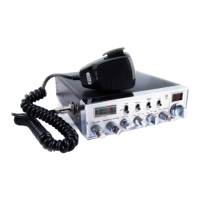
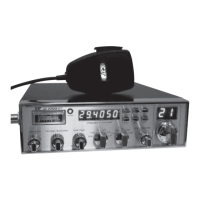
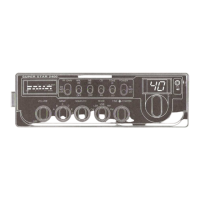
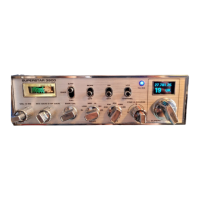
Provides a detailed view of the Superstar 3900 OLED's front panel, illustrating all controls and displays.
Explains the specific functions assigned to key switches on the radio's front panel, such as SCAN, RB, and VFO/CHANNEL.
Details the operation of the band selector in channel mode, which governs 6 bands of 40 channels each.
Outlines the selectable operating modes for the radio, including FM, AM, USB, and LSB.
Describes the VFO mode, enabling full frequency range tuning with variable steps from 100kHz down to 10Hz.
Details how to change the tuning step size in VFO mode, listing available increments from 100kHz to 10Hz.
Lists the six selectable bands (SL, LOW, MID, HI, SH, UK) and their corresponding frequency ranges.
Instructions on how to initiate the scanning process by adjusting squelch and using the SCAN switch.
Details how to control the scan direction (up/down) using the channel selector.
Explains how to stop scanning using the SCAN switch and its interaction with the transmit button.
Explains how scanning functions across the entire frequency range based on the selected step in VFO mode.
Describes how scanning operates within the selected band, stepping through channels in channel mode.
Outlines the process of how roger bleeps are played after PTT release, based on selected slots and values.
Provides step-by-step instructions on how to enter the main settings menu for radio configuration.
Describes how to centre the fine control by selecting the menu item and adjusting the button to dead centre.
Details the process for centring the coarse control by selecting the menu item and adjusting the button to dead centre.
Explains how to align the processor board's frequency, suggesting calibration against a frequency counter.
 General
| Antenna Impedance | 50 Ohms |
|---|---|
| Supply Voltage | 13.8V DC |
| Display | OLED |
| Frequency Range | 26.965 MHz to 27.405 MHz |
| Operating Mode | AM/FM |
| Output Power | 4W AM / 4W FM |

 To Next Page