2.5.2 Bleep Selection
Selecting which bleeps are enabled is done within the quick settings menu.
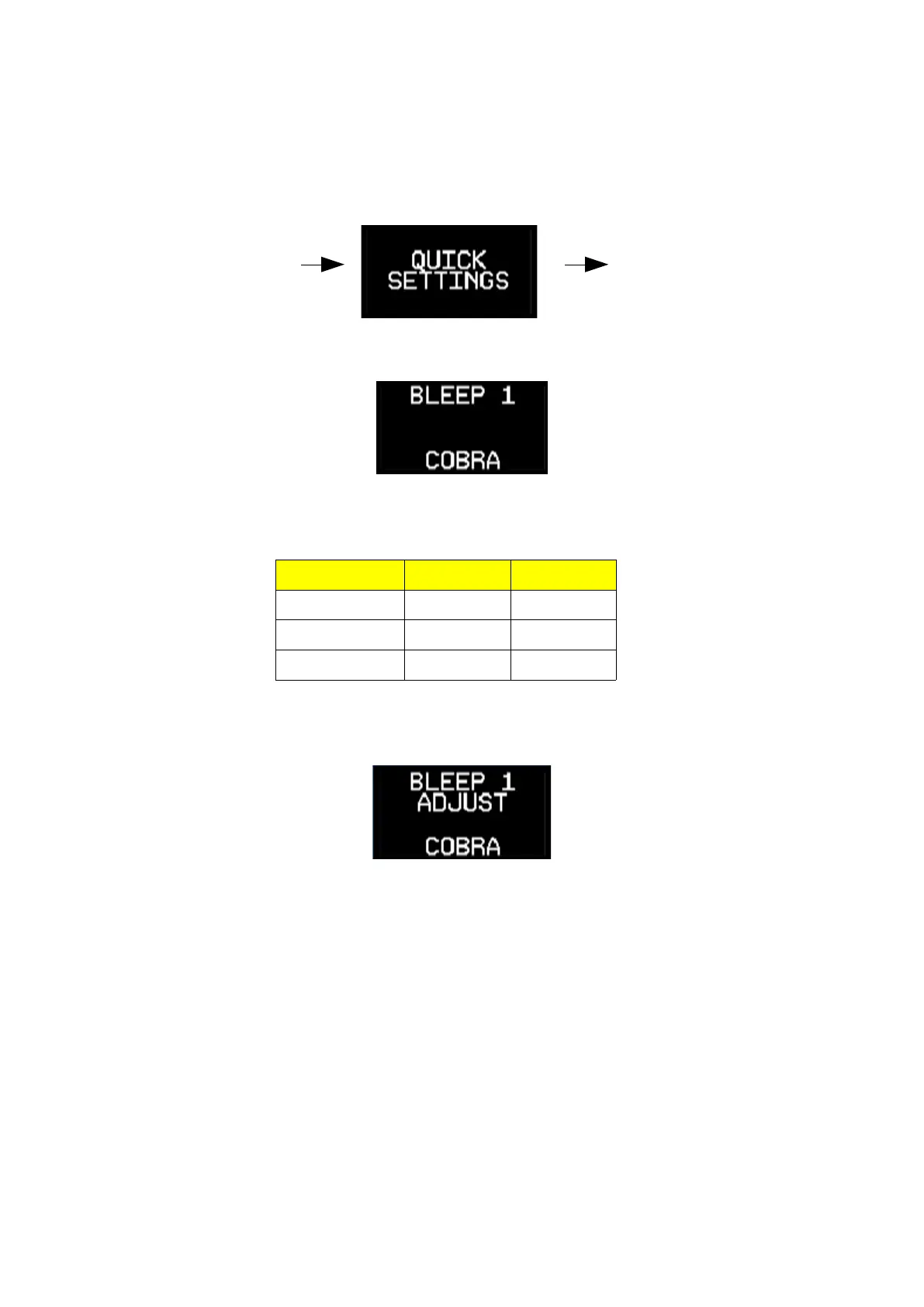
To enter the menu, press and hold the channel selector for around 3 seconds. Once the display
changes you can release the control.
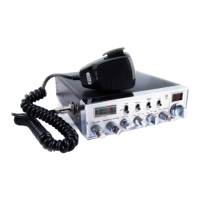
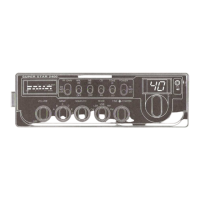
The initial screen will display bleep slot 1, in this case the Cobra bleep is selected:
Turn the channel selector / encoder to the slot you want to change.
Menu Bleep slot Order
BLEEP 1 Slot 1 First
BLEEP 2 Slot 2 Second
BLEEP 3 Slot 3 Third
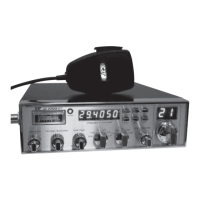
After selecting the BLEEP slot you wish to change, press and release the channel selector
momentarily. ADJUST is shown in the display:
Select the bleep required by rotating the channel selector then press and release the channel
selector to save the setting.
Note:
It is not possible to select NONE for BLEEP 1 since it is switched off using the bleep switch
To exit the quick settings menu, press and hold the channel selector for around 3 seconds.
Page 8 / 13
PRESS AND HOLD
CHANNEL SELECTOR
RELEASE CHANNEL
SELECTOR


 To Next Page