42
SuperServer E300-8D User's Manual
Chapter 4
Software
This section describes the installation of drivers and management programs for the system.
4.1 Driver Installation
The Supermicro FTP site contains drivers and utilities for your system at ftp://ftp.supermicro.
com. Some of these must be installed, such as the chipset driver.
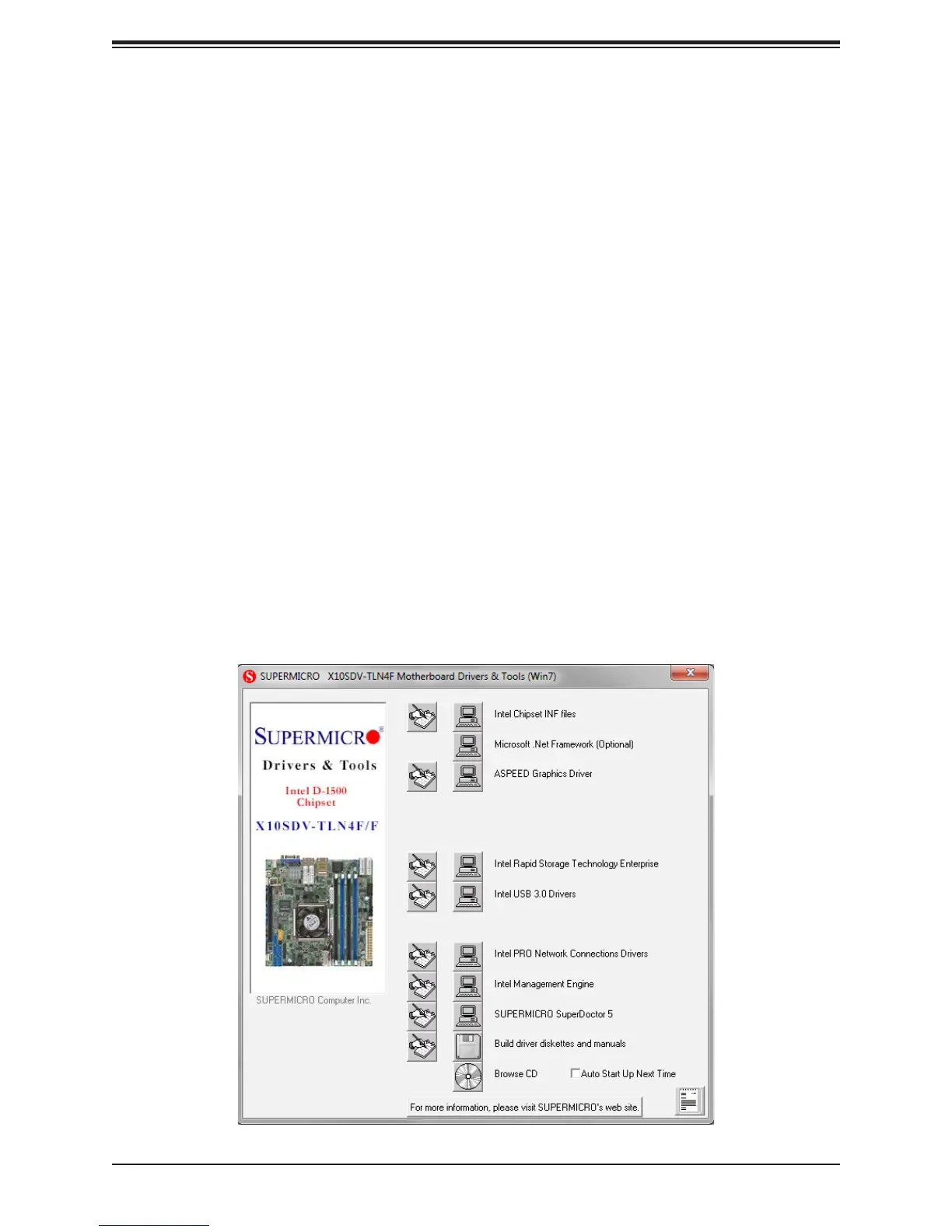
and the display shown in Figure 5-1 should appear.
Another option is to go to the Supermicro website at http://www.supermicro.com/products/.
Find the product page for your motherboard here, where you may download individual drivers
Note: To install the Windows OS, please refer to the instructions posted on our website at
http://www.supermicro.com/support/manuals/.
Figure 4-1. Driver & Tool Installation Screen



 To Next Page