7
Batteries
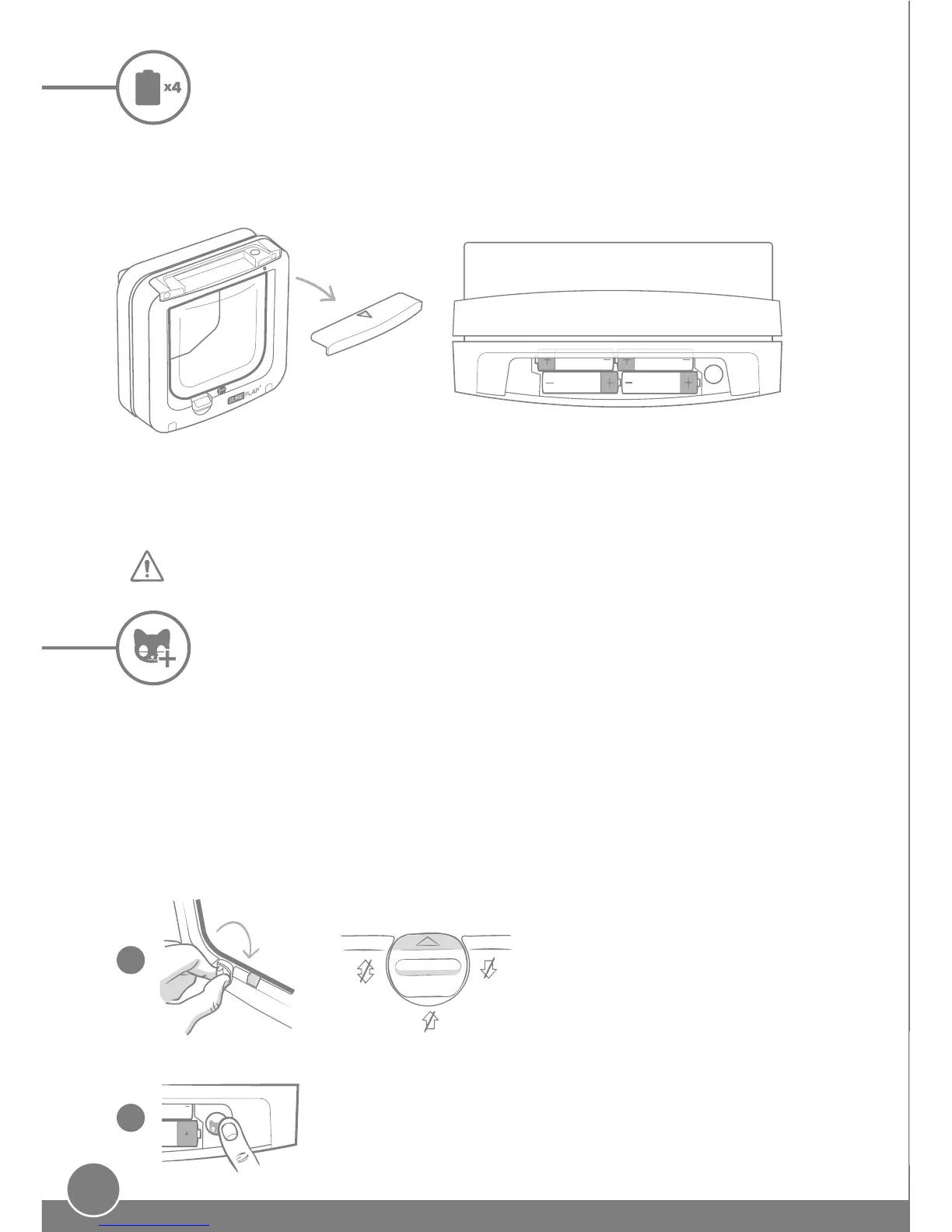
Always use 4 good quality AA 1.5V alkaline batteries to ensure the best performance of
your cat flap. For example the Energizer or Duracell brands. When the batteries start to run
low, the indicator light will flash red once every 5 seconds.
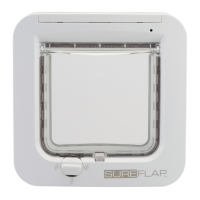
To insert the batteries remove
the battery compartment
cover from the front of the
cat flap.
AA
Remove the battery compartment cover to reveal the 'Add a Pet'
button and press it for 1 second to enter the Add a Pet mode.
Make sure the manual lock is set to
Position 1 before you begin. See
page 21 for more information on
the manual lock.
Insert the batteries into the compartment as shown,
with the + and - in the correct orientation. Then
replace the compartment cover.
Programming your cat flap
To start using your cat flap, you need to program your cat's microchip ID into the cat flap.
This process is only required once for each cat, as their ID will be stored in the cat flap's
memory. Follow the simple step-by-step guide to carry out this process. We strongly
advise doing this prior to fitting, however it is possible to program once already fitted
following the same steps detailed below.
Step-by-step
Manual lock - Position 1
The indicator light will initially light up for 2 seconds when you insert the batteries.
1
2
+ -+ -
+ -+ -


 To Next Page