SP91 User Manual
· Refer to the section 3.9 in page mode.
When using thermal label:
· If the bar code height can not meet the present label, the over parts will be printed on
the next label.
When using CODE93 (m = 72)
· The printer prints one HRI character ( □ ) at the beginning of the HRI character font, as
the origin character of HRI character font.
· The printer prints one HRI character ( □ ) at the end of the HRI character font, as the
end character of HRI character font.
· The printer prints HRI characters ( ■ +one word character) as the control character
(<00>H to <1F> and <7F>H):
Control Character
HRI
Charact
er
Control Character
HRI
Character
ASCII
Control
Character
HRI
Character
ASCII
Control
Character
HRI
Character
NUL 00 0 ■ U DLE 10 16 ■ P
SOH 01 1 ■ A DC1 11 17 ■ Q
STX 02 2 ■ B DC2 12 18 ■ R
ETX 03 3 ■ C DC3 13 19 ■ S
EOT 04 4 ■ D DC4 14 20 ■ T
ENQ 05 5 ■ E NAK 15 21 ■ U
ACK 06 6 ■ F SYN 16 22 ■ V
BEL 07 7 ■ G ETB 17 23 ■ W
BS 08 8 ■ H CAN 18 24 ■ X
HT 09 9 ■
I
EN 19 25 ■ Y
LF 0A 10 ■ J SUB 1A 26 ■ Z
VT 0B 11 ■ K ESC 1B 27 ■ A
FF 0C 12 ■ L FS 1C 28 ■ B
CR 0D 13 ■ M GS 1D 29 ■ C
SO 0E 14 ■ N RS 1E 30 ■ D
SI 0F 15 ■ O US 1F 31 ■ E
DEL 7F 127 ■ T
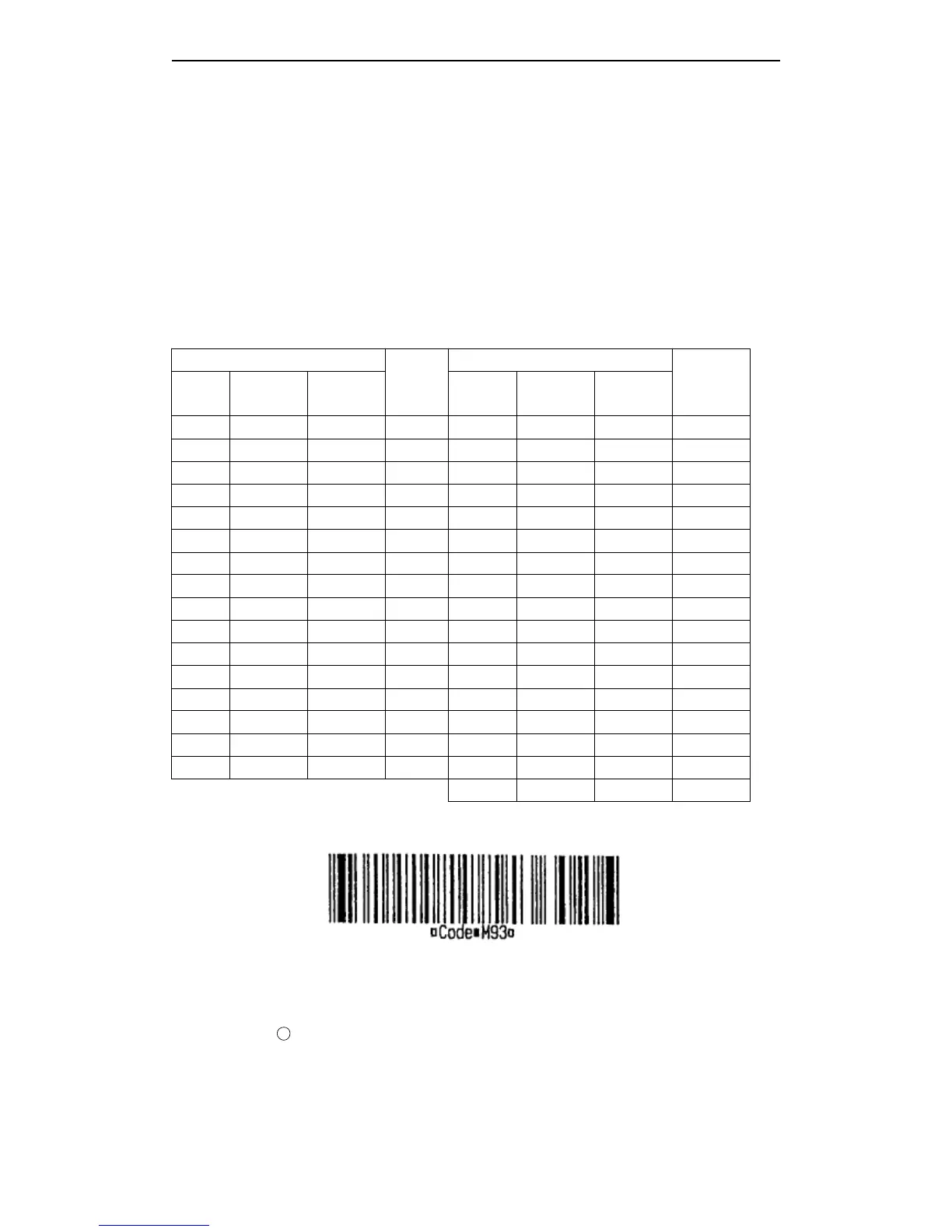
[For example] Print GS k 72 7 67 111 100 101 13 57 51
When using CODE128 ( m = 73) :
· Refer to the information of CODE128 bar code and its code table, see the appendix E.
· When the printer uses CODE128, please considers the following data transmission:
1
The head of bar code data font have to the code font select characters (CODE A,
CODE B, or CODE C), be used to select the first used code font.
Define the special characters by character “ { ” and one character group. Define ASCII
character “ { ” through continuing to transmit “ { ” twice.



 To Next Page