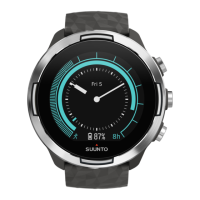
NOTE: If a blinking battery symbol is displayed, Suunto Traverse
Alpha needs to be charged before starting.
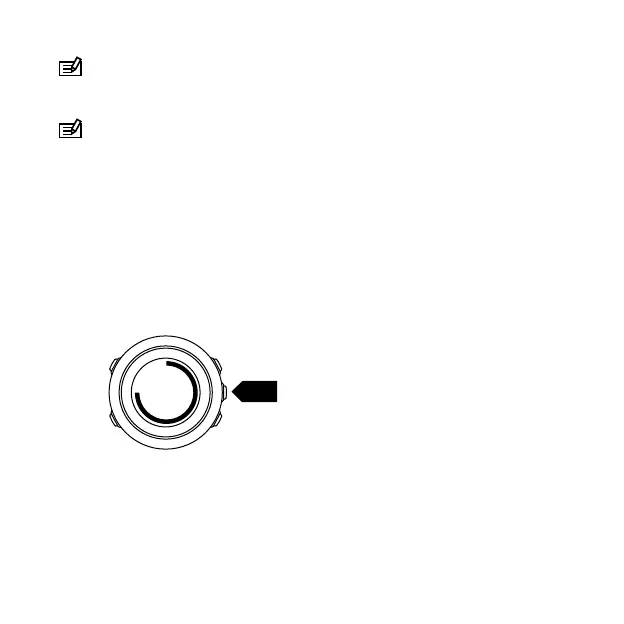
NOTE: If the battery dies, and you recharge the product, press
and hold START to start the product
2.3 Adjusting settings
You can change the settings of your Suunto Traverse Alpha directly
in the watch, through Movescount, or on the go with Suunto
Movescount App (see
3.17 Movescount mobile app
).
To change the settings in the watch:
1. Keep [NEXT] pressed to enter the options menu.
2. Scroll the menu with [START] and [LIGHT].
3. Press [NEXT] to enter a setting.
4. Press [START] and [LIGHT] to adjust the setting values and
confirm with [NEXT].
11


 To Next Page