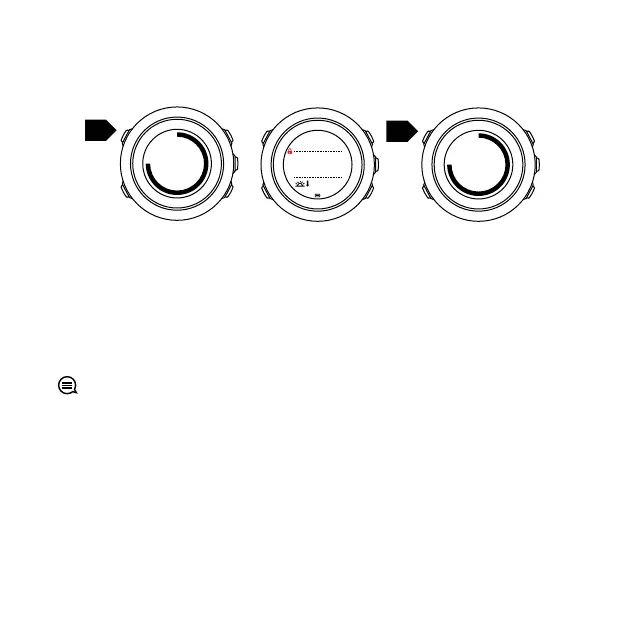
3.5 Button lock
Keeping [BACK LAP] pressed locks and unlocks buttons.
You can change the button lock behavior in the watch settings
under GENERAL » Tones/display » Button lock.
Your Suunto Traverse Alpha has two button lock options:
•
Actions only
: Start and options menus are locked.
•
All buttons
: All buttons are locked. Backlight can be activated in
Night
mode.
TIP: Select the Actions only button lock setting to avoid
accidentally starting or stopping your log. When the [BACK LAP]
and [START] buttons are locked, you can still change displays by
pressing [NEXT] and views by pressing [VIEW].
3.6 Compass
Suunto Traverse Alpha has a digital compass that allows you to
orient yourself in relation to magnetic north. The tilt-compensated
26



 To Next Page